NAVIGATION
VMS 3D MAP Explorer Navigation
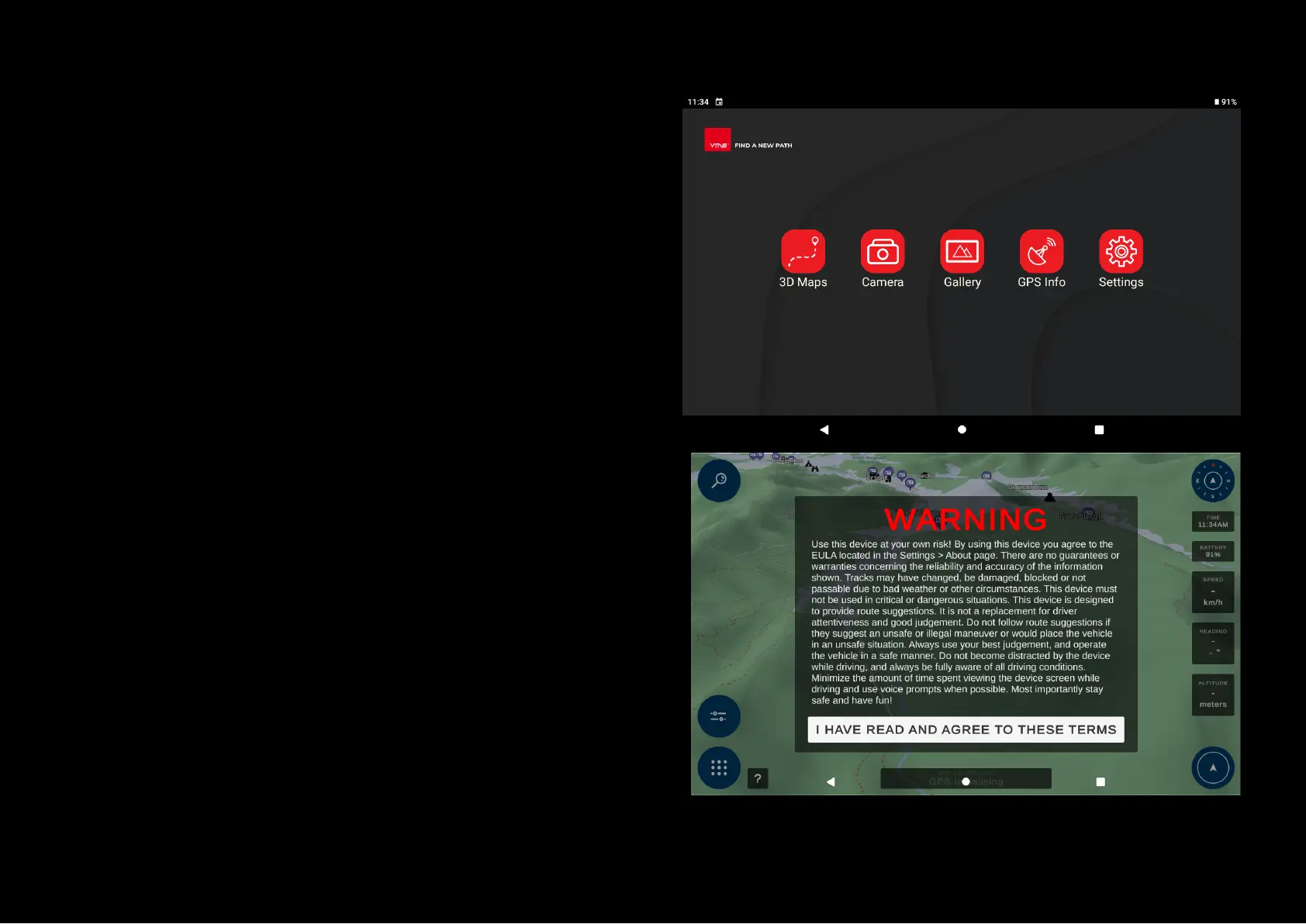
To start the Map Explorer navigation applications, turn on your GPS and
press the "3D Maps" icon.
Carefully read the terms and conditions (T&Cs) of the navigation software as
shown below and proceed with the navigation software by accepting the
T&Cs.
Please note: You will not be able to use the navigation if T&Cs aren't
accepted, please get in touch with your reseller if there are any further
questions.


 To Next Page