36
10. SELF-TEST
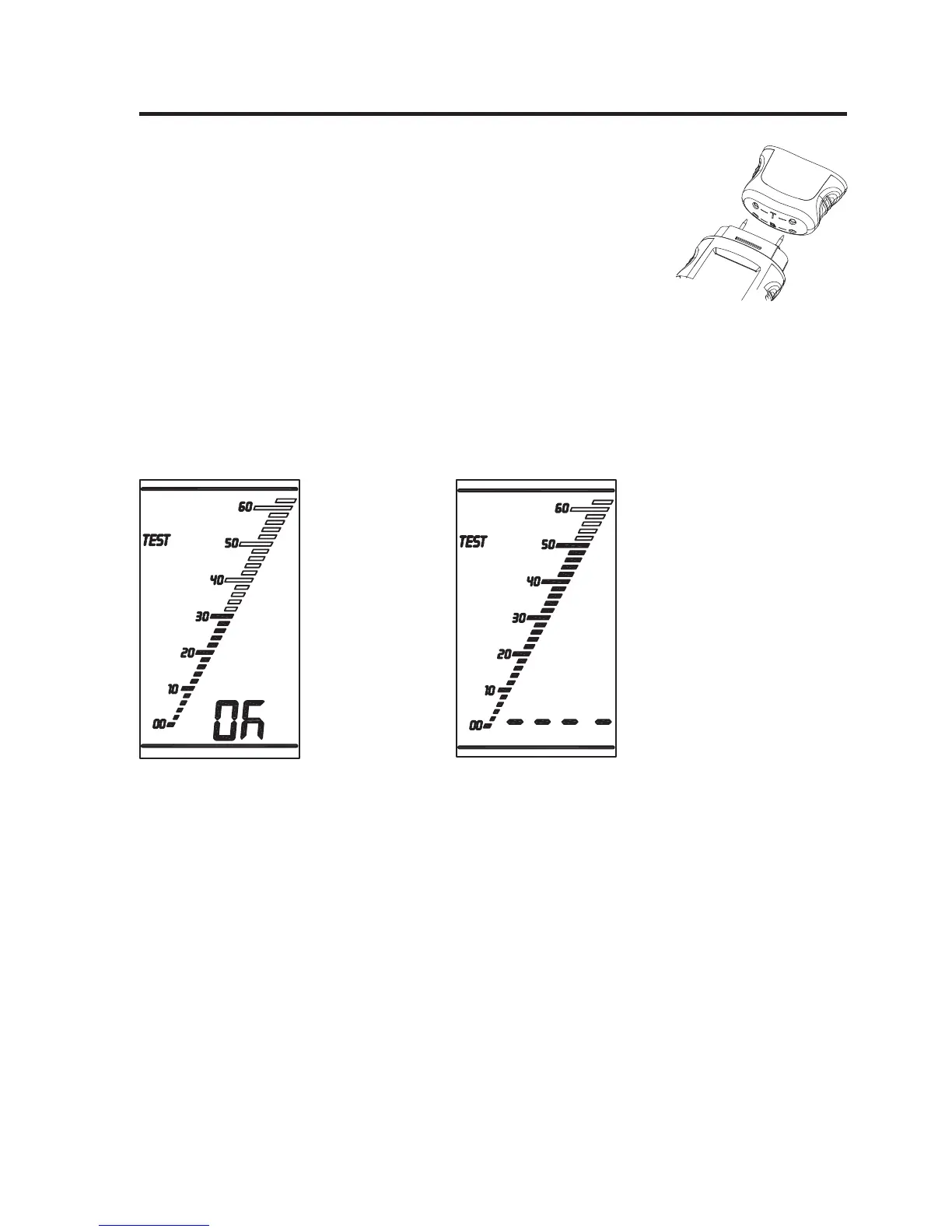
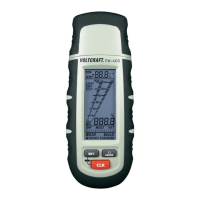
• Push the button “MODE” twice after activation. The meter is in test
mode.
• Touch the meter‘s measuring prods “2” to the self-test adapter “7”,
contacts “ – T – ”, fi rst
• Then perform another test with the contacts “ – B – ”.
If a value appears in the LC display after each test as described in the following fi gures, the
meter is ready for operation.
If the value displayed is “- - - - ”, no measuring result is present. Check the measuring prods for
cleanliness and good contact with the meter. Replace the measuring prods “2” with new ones
if required.
Test OK Mo measurement possible








 To Next Page