23
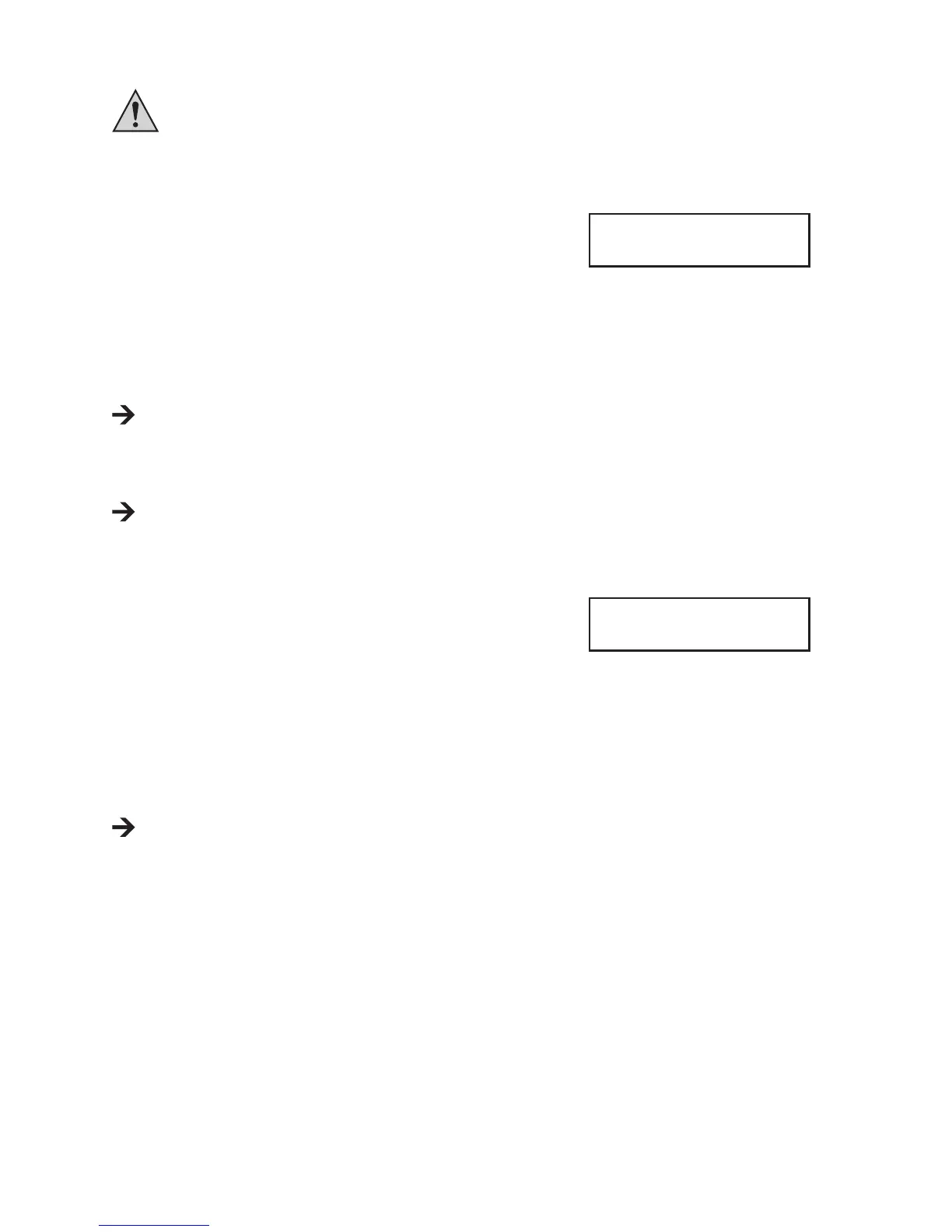
If these two numbers do not match, please check the settings on the charger and the battery itself. It may
be that the rechargeable battery has been completely discharged, or a cell may be faulty. In this case, the
battery should not be charged, as there is a risk of re and explosion!
You can return to the previous conguration menu using the "BATT. TYPE/STOP" button.
• If the two cell numbers match, briey push the "START/ENTER" button.
• Charging process starts. The display will show various information on the
current charging progress.
Example:
At the upper left, the rechargeable battery type and the cell number are displayed (e.g. "LP3s" = LiPo recharge-
able battery with 3 cells); the charging current is shown in the upper middle and the current rechargeable battery
voltage at the upper right.
The lower left shows the current rechargeable battery programme ("CHG" = "CHARGE"), in the middle the
elapsed charging time and the charged capacity in mAh are displayed to the right of this.
Various information is indicated on the display during a charge/discharge process by repeatedly pressing the
button "DEC" (see chapter 18). If you do not push any button for a few seconds, the charger will return to the
normal display.
• After completion of charging, an audio signal is emitted (if it has not been turned off).
If you wish to cancel the charging process, push the "BATT. TYPE/STOP" button.
c) Charging Batteries with Balancer Connection ("BALANCE")
In contrast to the simple rechargeable battery programme "CHARGE" (see
chapter 11. b), the rechargeable battery programme "BALANCE" monitors
the voltage of every single cell of a multiple-cell lithium rechargeable battery
and corrects it accordingly if there are any deviations.
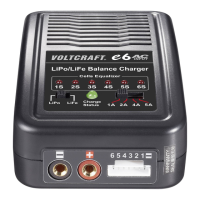
Besides the two normal rechargeable battery connections (plus/+ and minus/-), the balancer connector for the bat-
tery must also be connected to the charger.
Observe correct polarity when connecting the balancer plug of the rechargeable battery to the charger. Usually,
the minus pole of the balancer connection is applied with a black cable or is specically marked. This side of the
balancer plug must point in the direction "-" of the charger's balancer socket and of course also be pushed onto this
connection pin.
If you use self-customised rechargeable batteries, the balancer plug must be correctly assigned.
The black/marked cable is the minus pole of the rst cell. The next connection pin is the plus pole of the
rst cell; the respective next connection pin is the plus pole of the second, third, fourth, fth and sixth cell
(depending on cell number).
The last connection pin of the balancer plug of the rechargeable battery therefore is the plus pole of the last
cell. Therefore, the same voltage can be measured between the two outer pins of the balancer plug as at the
two rechargeable battery connections directly.
The remaining procedure for charging is described in chapter 11. b).
LP3s 1.2A 12.32V
CHG 022:43 00682
LiPo BALANCE
2.0A 7.4V(2S)





 To Next Page