34
14. SAVING/LOADING RECHARGEABLE BATTERY DATA
The charger has a total of 10 memories in which you can save rechargeable battery data/settings. They can
be loaded again on demand.
a) Selecting/Setting Rechargeable Battery Data
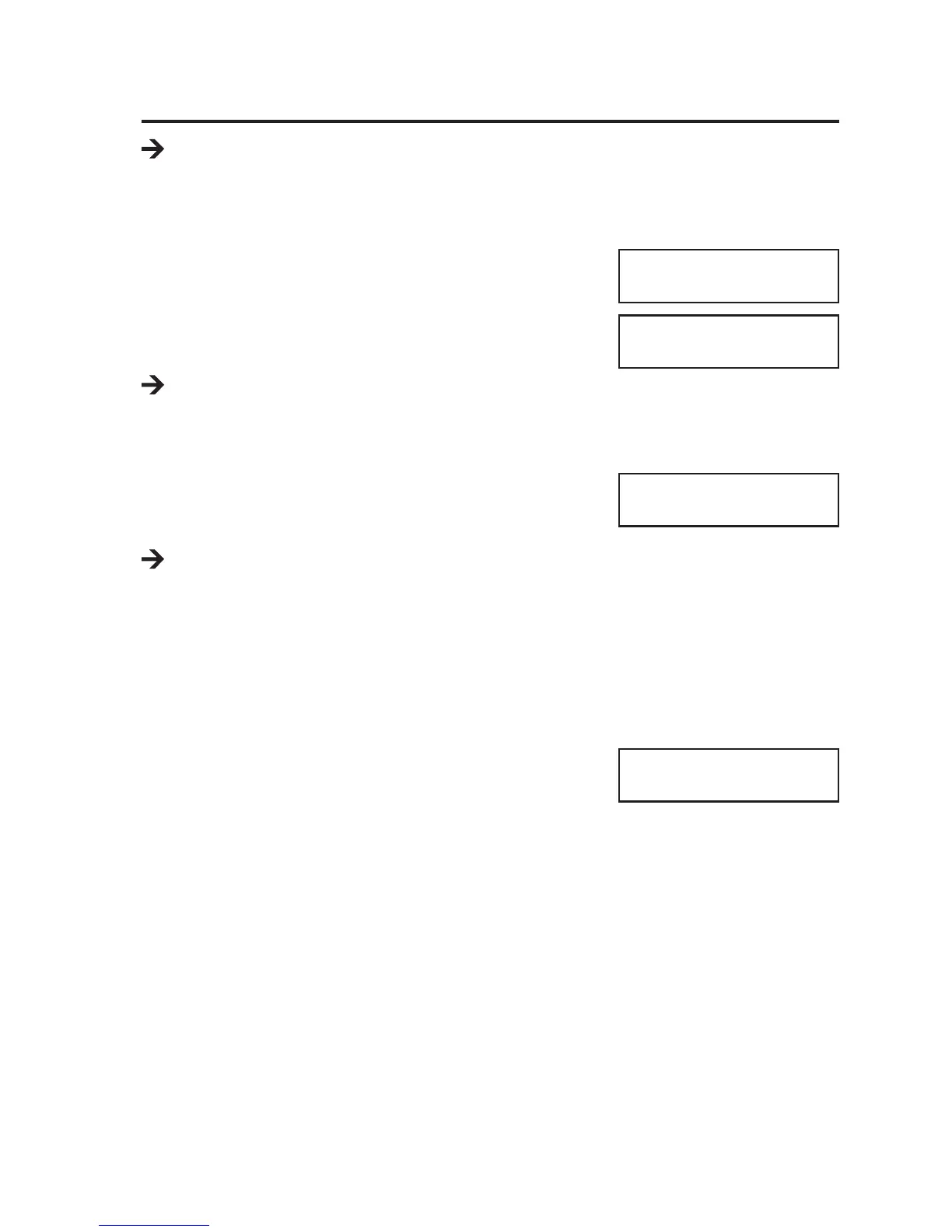
• Select the function "BATT MEMORY" in the main menu of the charger with
the button "INC" or "DEC".
• Conrm the selection by pressing the "START/ENTER" button. The
memory number ashes.
• Select one of the 10 memories with the buttons "INC" or "DEC".
If there already are data in the memory, the display will alternate, e.g.,
between the rechargeable battery type and the cell number, as well
as the charging and discharging current.
When the memory is empty, only "ENTER SET ->" is displayed.
• Conrm the selection of the memory number by pressing the "START/
ENTER" button.
The rechargeable battery type is displayed rst; see gure on the right.
The buttons "INC" and "DEC" select the desired setting function (e.g. battery type, cell number, charge cur-
rent, etc.). A description of the respective setting functions shown is included on the following pages.
If a setting is to be changed, briey push the button "START/ENTER". The respectively adjustable value
ashes.
Change the ashing value with the buttons "INC" and "DEC". Keep the respective button pressed for quick
adjustment.
Complete the setting by briey pushing the "START/ENTER" button. The respective adjustable value stops
ashing. Then you can select another setting function, see above.
If you want to save all previous settings in the memory selected at
rst, call the setting function "SAVE PROGRAM" at the end with the
buttons "INC" and "DEC" and briey push the button "START/
ENTER".
Otherwise, all settings are lost! Then the display shows the indication with the ashing memory number
again.
To discard previous settings and cancel setting mode, push the button "BATT. TYPE/STOP" repeatedly until
you are back in the main menu.
PROGRAM SELECT
BATT MEMORY
[ BATT MEMORY 1]
ENTER SET->
BATT TYPE
LiPo
SAVE PROGRAM
ENTER




 To Next Page