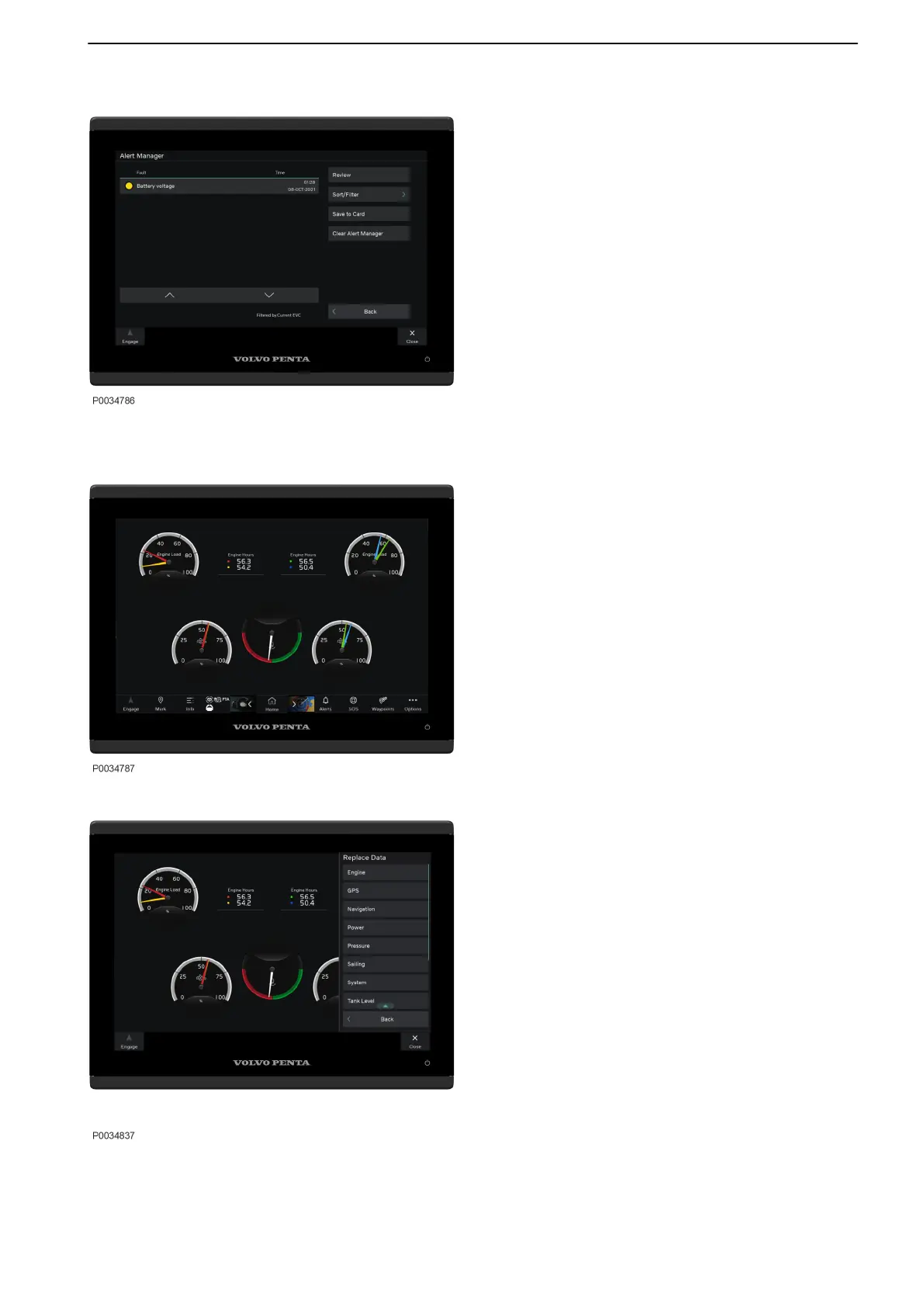
Warning Manager
Select Info > Alert Manager or Alert Menu > Alert
Manager to navigate to Alert Manager.
If the system discovers a fault, the helmsman is alerted
by a message on the display. Silence the alert sound by
pressing OK. Acknowledge the message by selecting
OK.
All faults are stored in Alert Manager.
The fault message describes the fault and suggests
suitable actions.
For further information see Fault handling, page 103
and Glass Cockpit manual from Garmin.
Gauge View
It is possible to change or rearrange the layout of the
gauge pages, how the gauges are displayed and the
data in each gauge.
Home > Vessel > Choose preferred gauge view
To change or add a new gauge in the layout select
Options > Replace Data >Choose preferred gauge .
Instruments and Controls
47712786 11-2022 © AB VOLVO PENTA 47



 To Next Page