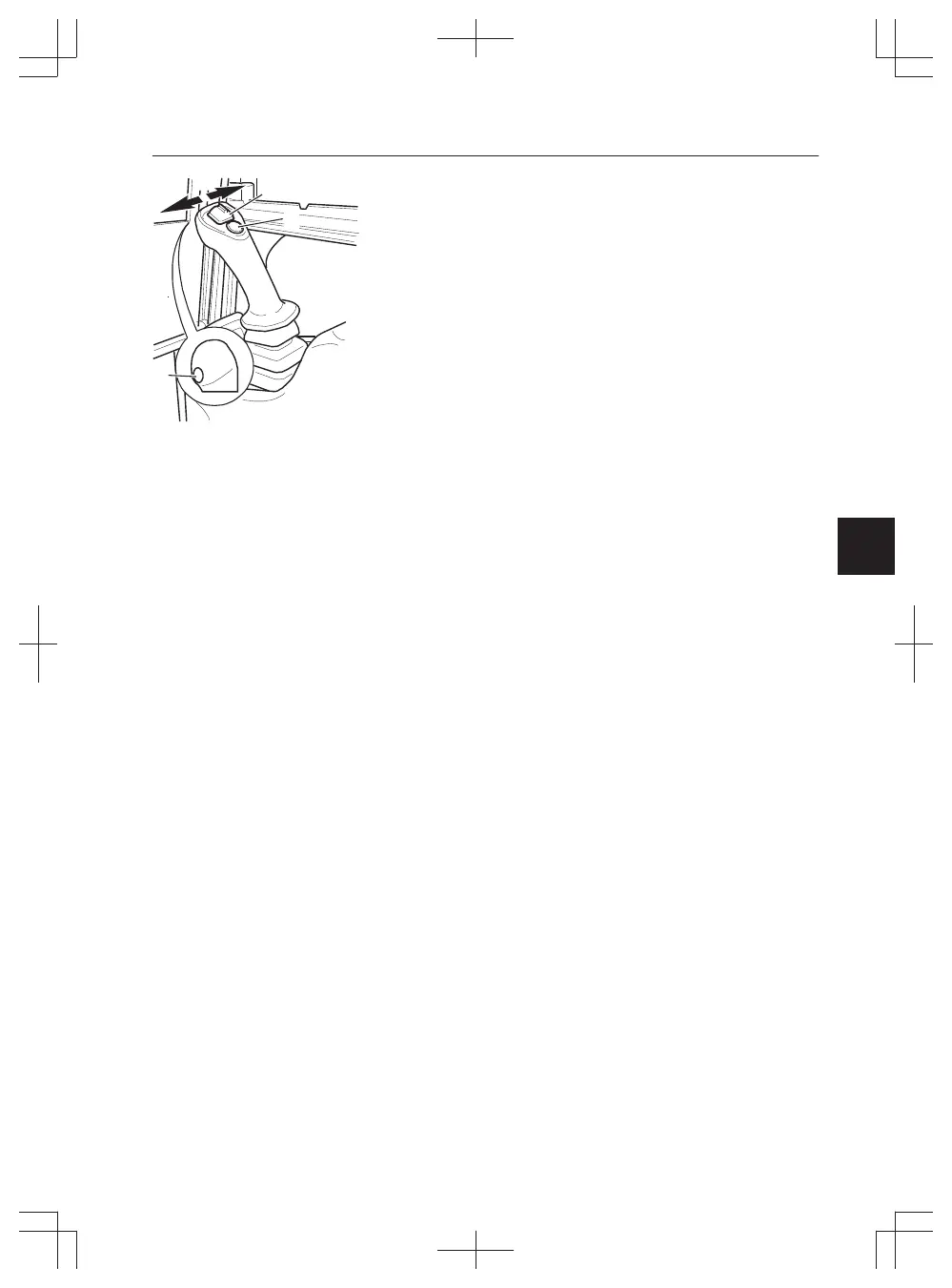
2 First press the switch for optional equipment (7)
and then at the same time press selector switch
(9) on the right control lever. Keep both switches
depressed in 5 seconds until the boom offset
control lamp is flashing in the instrument panel.
As long as the control lamp flashes the
attachment movement is activated and changing
the maximum hydraulic oil flow setting is
possible.
3 To change the setting for the X1: Move the
proportional roller (8) on the right control lever to
the left or right until the wanted maximum
hydraulic oil flow is reached. Keep the
proportional roller in this position and press
switch for optional equipment (7) to confirm.
4 To change the setting for the X3: Move the
proportional roller (2) on the left control lever to
the left or right until the wanted maximum
hydraulic oil flow is reached. Keep the
proportional roller in this position and press
switch for optional equipment (7) on the right
control lever to confirm.
5 Make sure that the control lamp for boom offset
on the information panel has stopped flashing.
Exit without saving a new value:
1 Shift the control lockout lever upwards.
2 Turn the ignition key to off position.
3 Control lamp flashes more than 15 minutes.
9. Offset boom or X1 selection (optional, not
for EC15E)
When actuating this switch (9), function of the
proportional roller on the right hand lever changes
between offset boom and attachment movement.
The switching mode can operate only if the roller is
in neutral position.
NOTE!
Machines without this button on the right hand
control lever have a switch for attachment on the
right instrument panel, see page
38
.
NOTE!
The control lamp in the instrument panel lights up
when operation with the offset boom is activated.



 To Next Page