03 Planning your trip
Settings
03
46
If the same itinerary is used again 2 times and
the driver repeats the route choice, the system
will instead show the path that the driver
selected.
Ticked window means that a route that is
driven 3 times is stored as itinerary instead of
the original itinerary.
Reset route learning
(Reset route learning)
Erase driving history.
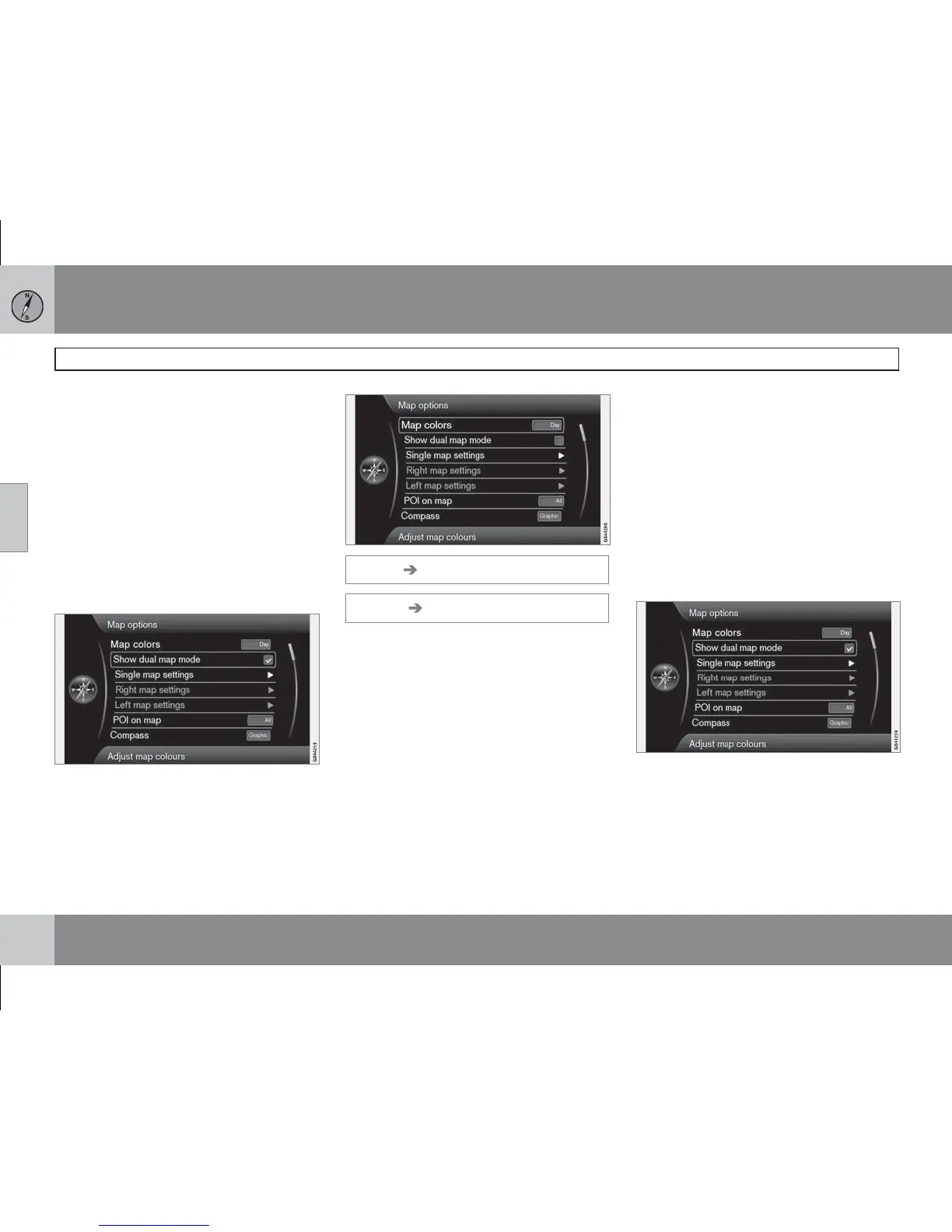
Map options
Settings Map options
(Settings Map options)
Map colours
(Map colors)
Choose between:
•
Automatic
•
Day (Day in previous image)
•
Night
Single map settings
(Single map settings)
•
Map orientation - Select Heading or
North.
North - the map always shows North at the top
of the screen. The car symbol moves in the rel-
evant direction on the screen.
Heading - the car symbol is in the centre and
always points up on the screen. The map
image rotates under the car symbol in relation
to how the road bends.
•
Map view - Select 2D or 3D.
2D - car symbol and map image seen at right
angles straight from above.
3D - car symbol and map image seen obliquely
from the side/above.
Show dual map mode
(Show dual map mode)



 To Next Page