INTERNET MAP
102
•
Information - Shows information available
about the selected location.
•
Save - Allows you to store the selected loca-
tion in the memory.
Internet map
8
- enter destination
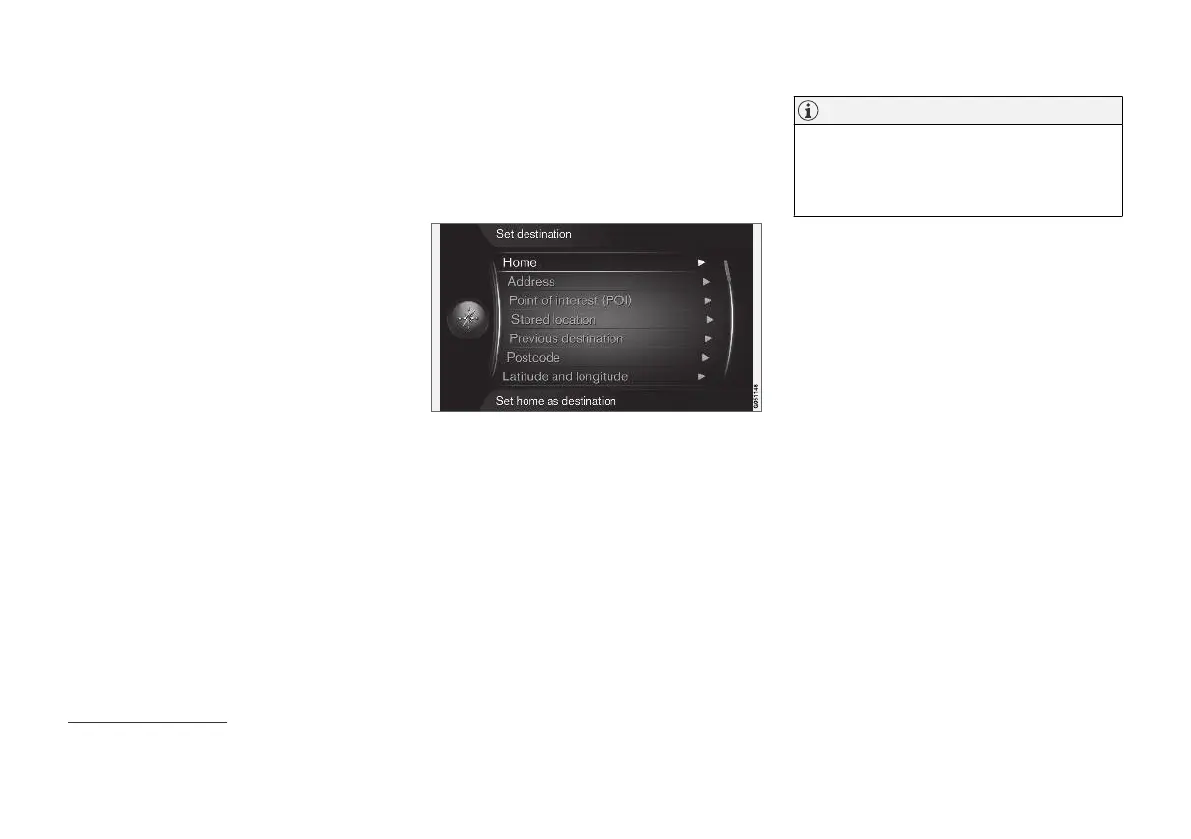
Plan a trip by entering destination.
To access the following options, in the normal
view for the source, press OK/MENU and select
Set destination.
Home
The system can store any position under the
Home menu option. The function is shown each
time a position shall be saved:
•
Save location as home + OK.
To activate guidance with destination
Home:
•
Highlight
Home + OK.
Address
It is sufficient to only enter a city/town in order to
obtain an itinerary with guidance - it guides to the
centre of the city/town.
NOTE
The definition of city or area may vary from
country to country and even within the same
country. In some cases, it refers to a munici-
pality and in others it refers to a district.
The following search criteria can be used to
search for a destination by address:
•
Country: - Enter a country.
•
City: - Enter the city/town.
•
Street: - Enter the street address.
•
Number: - Select one of the street's house
numbers.
Points of interest (POI)
It is possible to search for POI options by enter-
ing any of the following menu options:
•
With name
•
By category
•
Around the car
•
Near the destination
•
Around point on map
To avoid making the map image difficult to read,
the number of POI options that can be viewed
simultaneously on the screen is limited - zooming
into an area gives the opportunity to view several
POI options.
8
Applies to certain markets.



 To Next Page