INTERNET MAP
105
Related information
•
Internet map - enter destination (p. 102)
Internet map
10
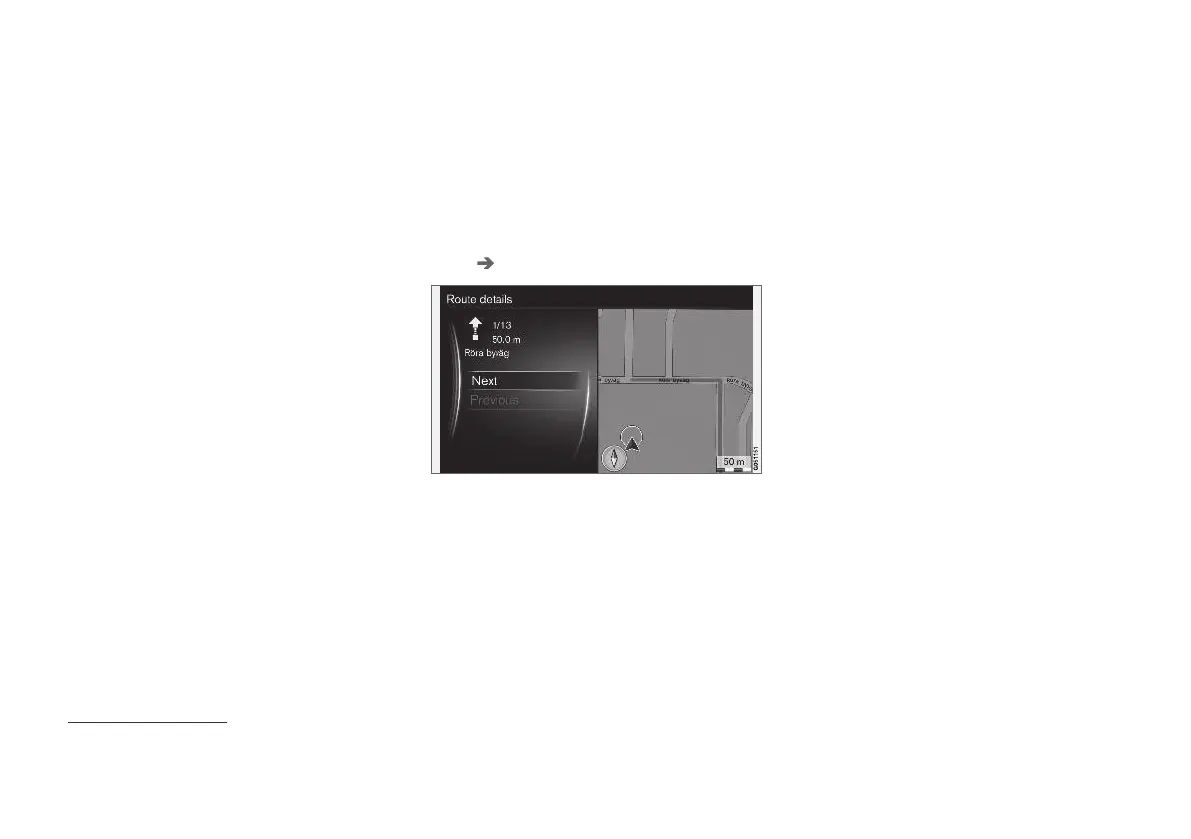
- detailed route
information
Shown here are the guidance point that each
route section includes, for example, exits and
intersections.
To view detailed route information, in the normal
view for the source, press OK/MENU and select
Route Route overview.
Detailed route information.
The route to the destination consists of a number
of subsections containing different guidance
points, e.g. straight sections, exits, intersections,
slip roads, etc. Scroll through the subsections
with
Next/Previous.
Position on the map, denomination, distance and
points of interest are shown. The distance shown
is the one between the two guidance points and
is therefore not counted down as the vehicle
approaches the guidance point.
Related information
•
Internet map - route options (p. 106)
•
Internet map - points of interest (POI) sym-
bols (p. 104)
10
Applies to certain markets.



 To Next Page