INTERNET MAP
106
Internet map
11
- route overview
There is the option to look at the remaining route
in an overview map.
To show the overview map of the route, in the
normal view for the source, press OK/MENU and
select
Route Map of remaining route.
Otherwise, the same functions as in the scroll
menu (p. 101).
Related information
•
Internet map - enter destination (p. 102)
Internet map
12
- route options
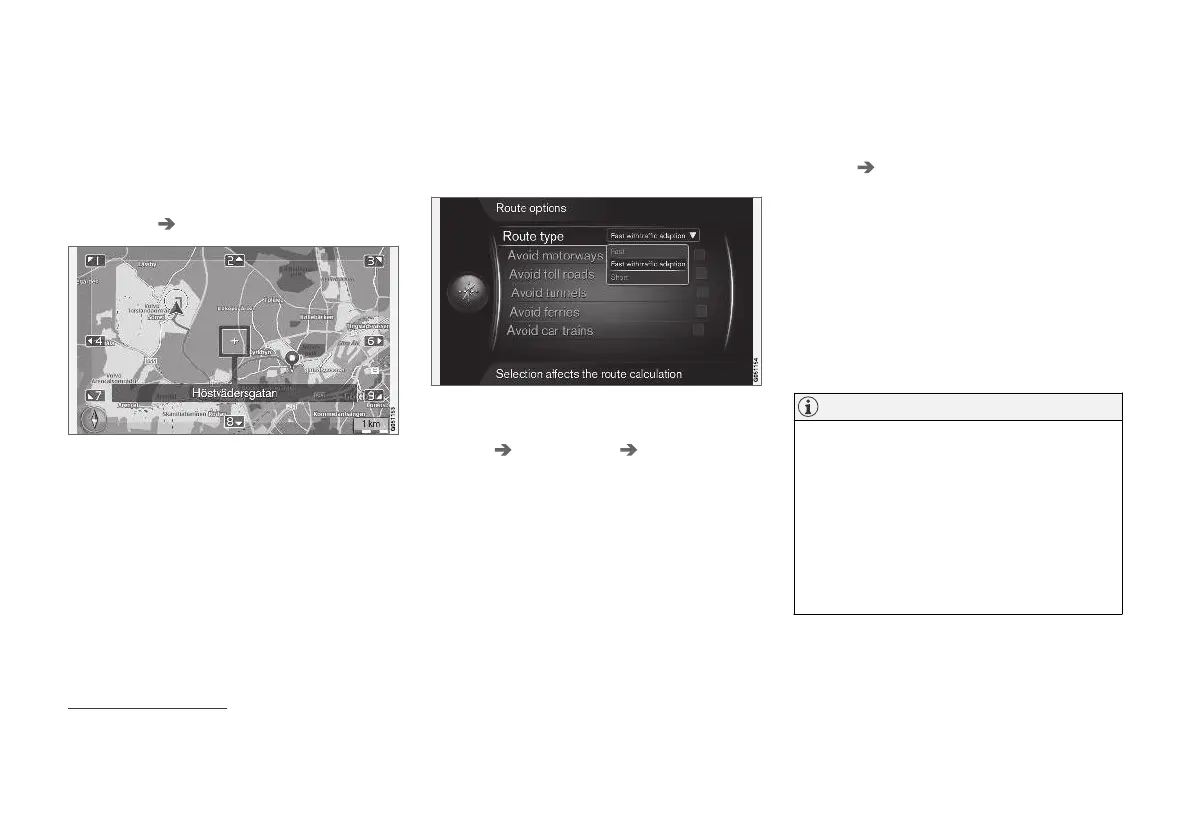
Route options contains settings for route type
and options for adapting the route.
Route type
To access route type, in the normal view for the
navigation source, press OK/MENU and select
Settings Route options Route type.
Different types of route can be selected here.
Activate the desired option with OK.
•
Fast with traffic adaption - short travel
time with minimal traffic queues.
•
Fast - short travel time prioritised.
•
Short - short route prioritised. The route can
also be guided via minor roads.
Adapt the route
To adapt the route, in the normal view for the
navigation source, press OK/MENU and select
Settings Route options.
In order to avoid one or more of the screen's lis-
ted elements along the route, highlight the ele-
ment + OK.
•
Avoid motorways
•
Avoid toll roads
•
Avoid tunnels
•
Avoid ferries
•
Avoid car trains
NOTE
•
If an itinerary is entered when these
selections are made then there may be a
certain delay after an option has been
ticked/unticked since the itinerary must
be recalculated.
•
If tunnels, toll roads and motorways are
not selected then these are avoided as
far as possible and are only used if no
other reasonable alternative is available.
Related information
•
Internet map - enter destination (p. 102)
11
Applies to certain markets.
12
Applies to certain markets.



 To Next Page