||
AUDIO AND MEDIA
* Option/accessory.
74
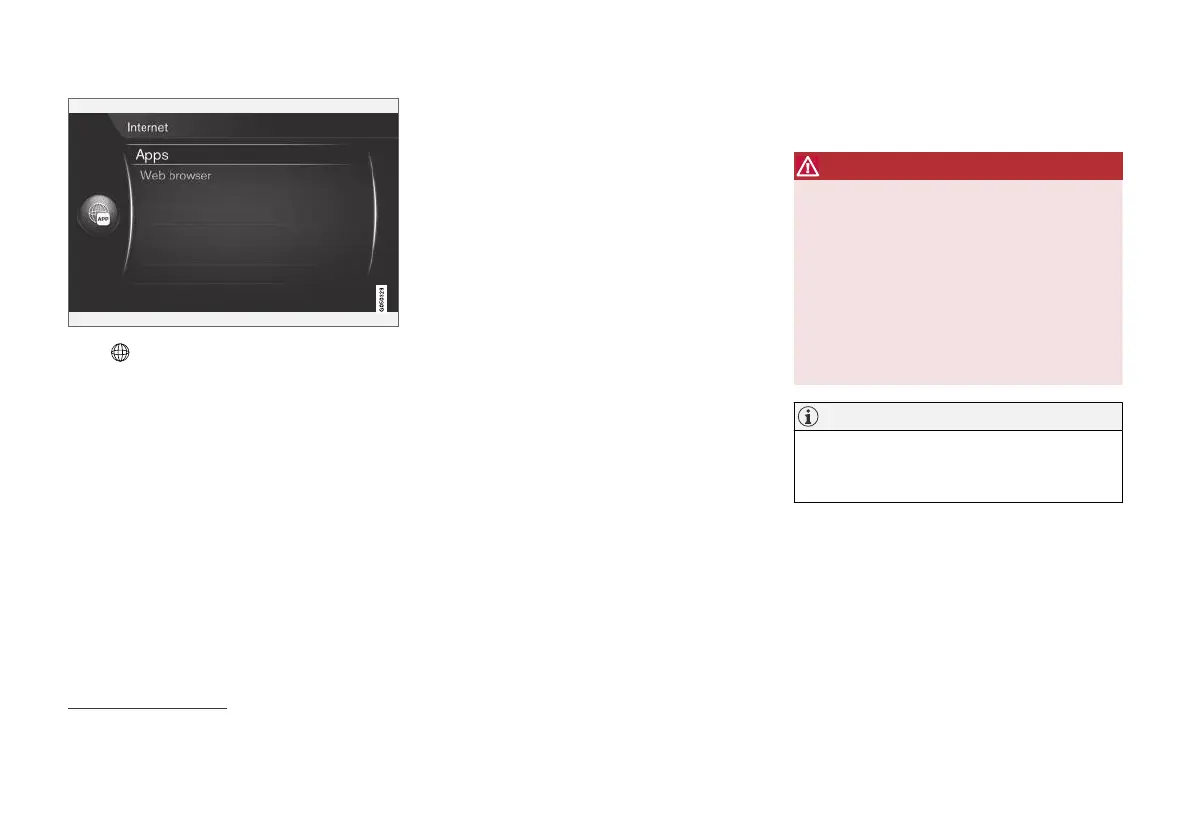
Press in the centre console and select Apps
to display available apps
28
. Select an app in the
list and start with OK/MENU.
The apps are downloaded from the Internet to
the car and are run from there. The apps load
(are updated) each time that they are started,
which means that an Internet connection is
required each time an app is used.
The apps share the car's location
information
Some apps require location information. The
apps use GNSS (Global Navigation Satellite Sys-
tem) to locate the car.
The position of the car may also be sent to Vol-
vo's service providers. The service providers work
on behalf of Volvo and may only process location
information to the extent required in order to pro-
vide the service.
All subcontractors are bound by agreements
requiring them to observe confidentiality and to
treat location information in accordance with leg-
islation in force.
Login
Some apps/services require a login. There are
two types:
•
Certain apps may require registration with
the app/service provider. When the app
starts you are informed about any need to
log in. Follow the onscreen instructions to
register or use an existing account to log in.
•
Certain apps/services require a login with a
personal Volvo ID. Register or use an existing
account and get access to a number of ben-
eficial services, e.g. send an address from a
map service on the Internet directly to a navi-
gation app or Volvo's navigation system*
29
.
For more information and how you create an
account, see Volvo ID (p. 11).
Navigation services
Navigation services give road information which
leads to a preset destination. However, not all of
the recommended guidance is always guaran-
teed as reliable, since situations may arise that lie
outside the capacity and judgement of the sys-
tem, such as sudden changes in the weather.
WARNING
Observe the following.
•
Direct all your attention to the road and
make sure that all your concentration is
on driving.
•
Follow applicable traffic legislation and
drive with good judgment.
•
Due to weather conditions or time of year
affecting the road conditions, some rec-
ommendations may be less reliable.
NOTE
It is possible to upgrade to Sensus Navigation
which includes more functions and map data
updates. Contact your dealer.
Related information
•
Symbols in the screen (p. 32)
•
Change of ownership (p. 10)
28
The apps available may vary over time and vary depending on equipment level and market.
29
Sensus Navigation.



 To Next Page