AUDIO AND MEDIA
}}
* Option/accessory.
77
•
Reload - Updates the page.
•
Stop - Stops loading the page and goes
back.
•
New tab - Create a new tab/page. Up to
four tabs can be open at the same time.
•
Close tab - Closes tab/page.
•
Zoom in/Zoom out - Zooms in/out on the
page.
•
Add bookmark/Delete bookmark -
Instead of typing in a web page address
each time it is visited, it is possible to store a
quick link (bookmark) to the page. Max. 20
bookmarks can be saved.
•
Settings - Adapting the web browser display
and information management, see below for
more information.
Settings
•
Bookmarks - Rename, Reorder or
Delete.
•
Content filtering - It is possible to make
certain adaptations so that the web pages
are shown in the desired way. The following
functions can be activated/deactivated:
Show images, Block pop-ups and
Enable JavaScript.
•
Accept cookies - Cookies are small text
files that are stored. They make it possible to
use certain functions on web pages and for
the website owner to track statistics, for
example over which pages visitors navigate
to.
•
Text size - Select the character size to be
used: Large, Medium or Small.
•
Clear browsing data – Cookies,
browsing history and cache will be
cleared.
•
FAV key options -It is possible to link cer-
tain functions to the FAV button. A linked
function is then activated simply by pressing
the FAV button, see Favourites (p. 33).
Related information
•
Symbols in the screen (p. 32)
•
Change of ownership (p. 10)
•
Menu overview - web browser (p. 90)
TV*
The TV picture is only shown when the car is
stationary. There will be no picture when the car
is moving, but the audio continues to be played
back. The picture reappears when the car has
stopped.
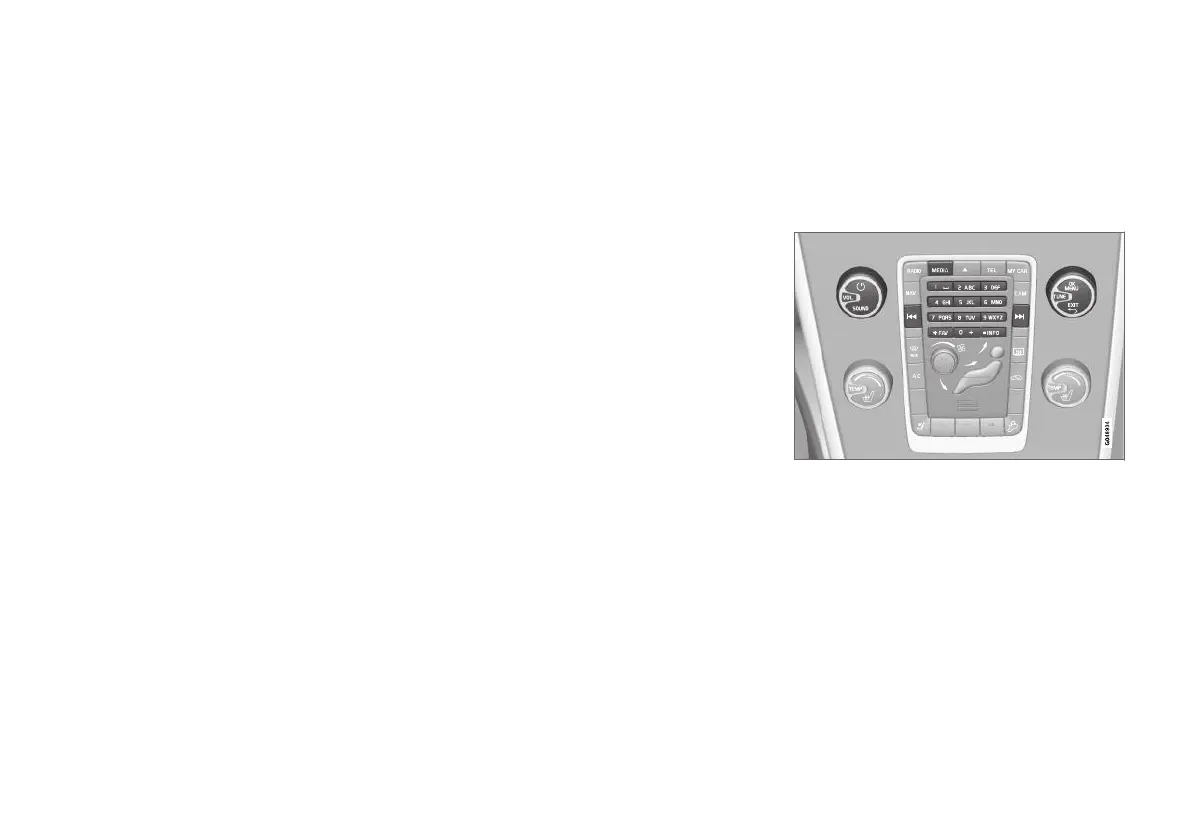
TV functions, control overview.
For basic information on playback and navigation,
read how the system is operated and menu navi-
gation (p. 28). See below for a more detailed
description.
It is possible to link certain functions to the FAV
button. A linked function is then activated simply
by pressing the FAV button, see Favourites
(p. 33).



 To Next Page