02 Get to know your navigation system
Keyboard
02
27
List of options
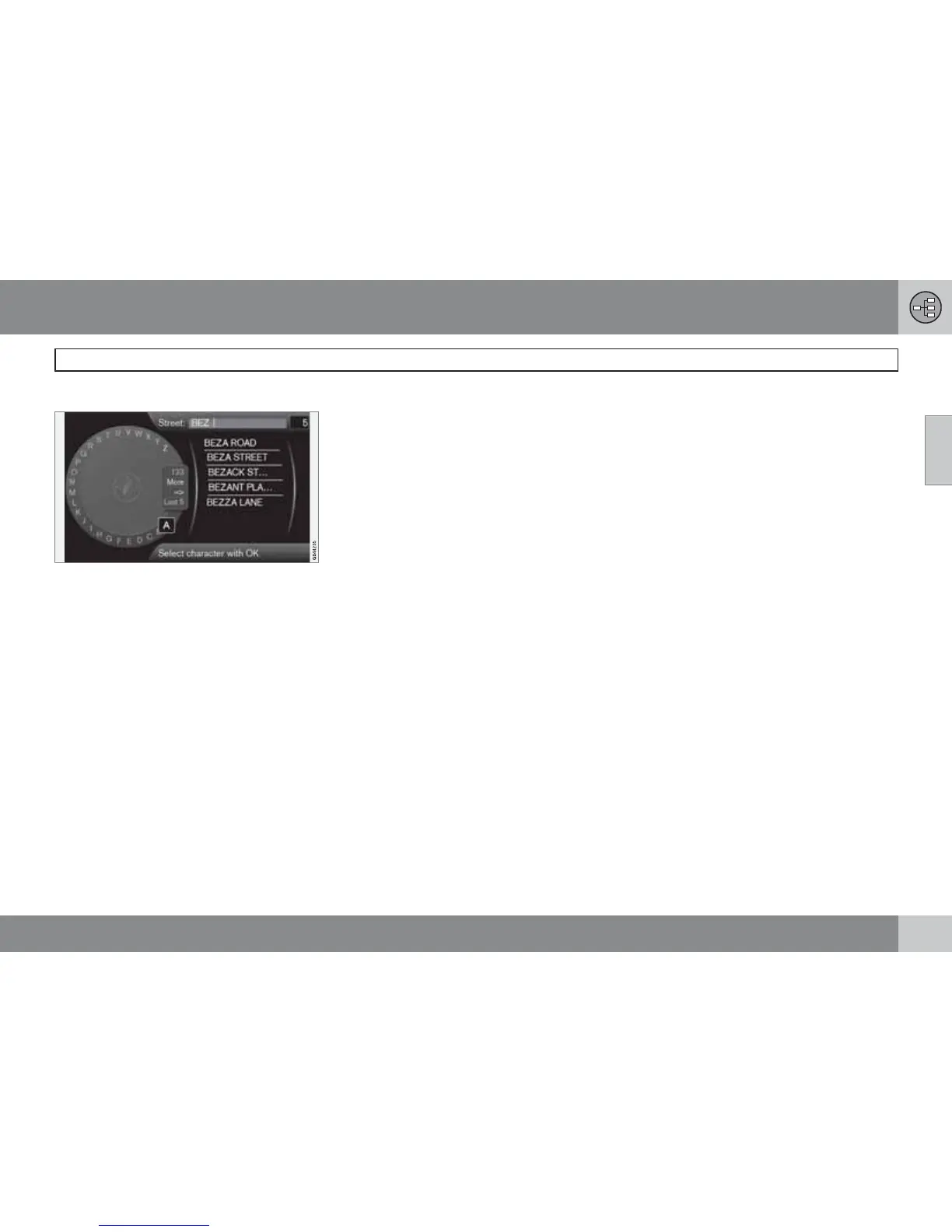
List that matches entered characters.
The digit 5 in the screen's top right-hand corner
indicates that the list contains 5 possible
options that match the entered letters
BEZ.
No list
An empty list and the characters *** in the
upper right-hand corner's digit window, mean
that the available options with current entered
characters are more than 1000 - when the
amount is less, the current options are shown
automatically.
To reduce the number of options in the list:
•
Enter more characters on the text line.



 To Next Page