03 Planning your trip
Settings
03
51
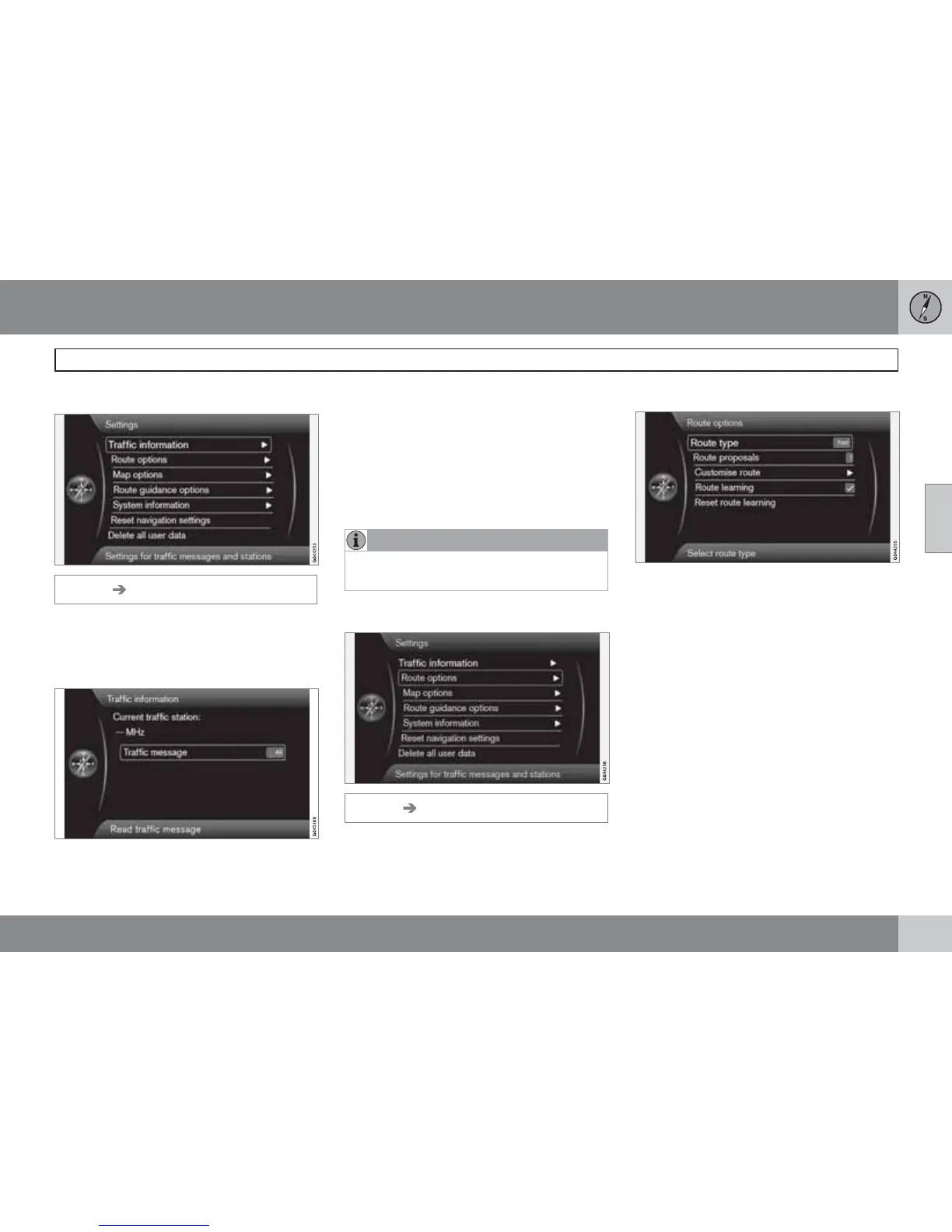
Traffic information
Settings Traffic information
Further settings that affect traffic information
can be made, in addition to those described
here - see page 66.
Traffic message
Traffic message
Certain traffic message sorting can be done
here:
•
All - all reported traffic disruptions appear.
•
Most serious - indicates, for example,
closed roads due to accidents or other
large/long-term disruption.
•
None - indication of traffic problem off.
NOTE
This setting does not affect the calculation
of a route.
Route options
Settings Route options
Route type
Route type
Different types of itinerary can be selected
here:
•
Fast - shortest possible travel time priori-
tised
•
Short - shortest possible route prioritised
•
Easy - minimum number of junctions and
similar traffic systems prioritised.



 To Next Page