02 Get to know your navigation system
Menus
02
33
Scroll menu
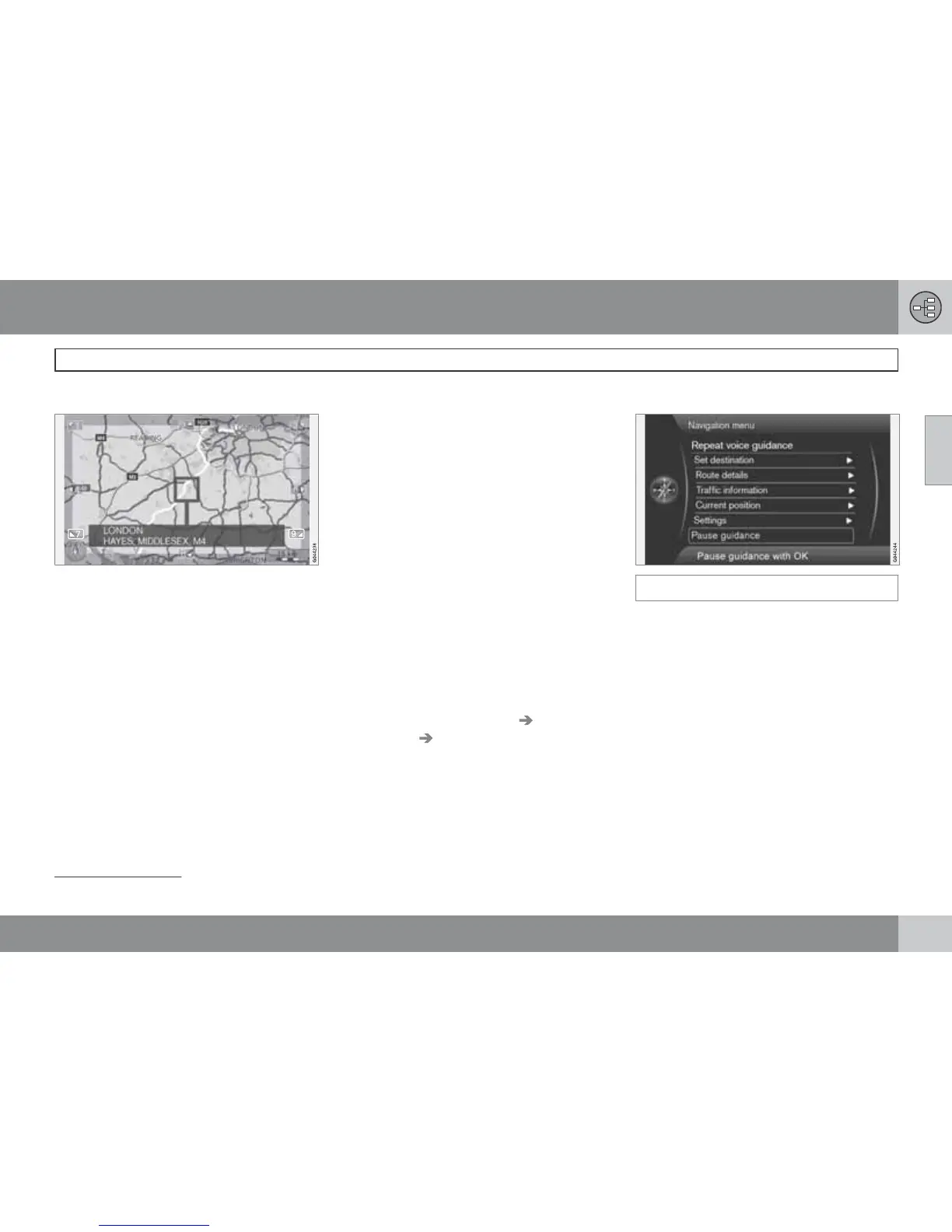
In Scroll mode a crosshair is moved over the
map image with the centre console's numerical
keys.
Activating Scroll mode in normal map
mode
•
Press one of the numerical keys 0-9.
Scrolling
•
Press one of the numerical digit keys
1-2-3-4-6-7-8-9 - a directional arrow is
shown in the margins combined with the
number that will be used to scroll the map
in the desired direction.
Zooming out/in
•
Turn the TUNE knob.
Exiting from Scroll mode
•
Press EXIT.
Crosshair
Press OK MENU once to show a menu for the
point on the map, which the centre of the
crosshair points to:
•
Set single destination - Deletes any pre-
vious destinations in the itinerary, and
starts guidance on the map.
•
Add waypoint - Adds the selected point
to the itinerary.
•
POIs nearby - Allows you to search/view
available facilities around the selected
location.
•
Read traffic message - Allows you to
view traffic messages
1
around the selected
location.
•
Information - Shows information available
about the selected location.
•
Store location - Allows you to store the
selected location in the memory. (Opens
the menu Set destination
Stored
location
Edit - see page 44).
Pause guidance
Pause guidance
With the cursor on Pause guidance + OK
MENU the guidance can be switched off tem-
porarily after which neither visual nor acoustic
guidance is given - at the same time the menu-
bar changes to
Resume guidance. However,
the system's car symbol continues to show the
car's actual position on the map.
Resuming guidance
•
Select Resume guidance + OK MENU.
1
The service is not available for all areas/markets/states.



 To Next Page