DISPLAYS AND VOICE CONTROL
}}
135
Managing messages in the centre
display
Messages in the centre display are handled in
centre display views.
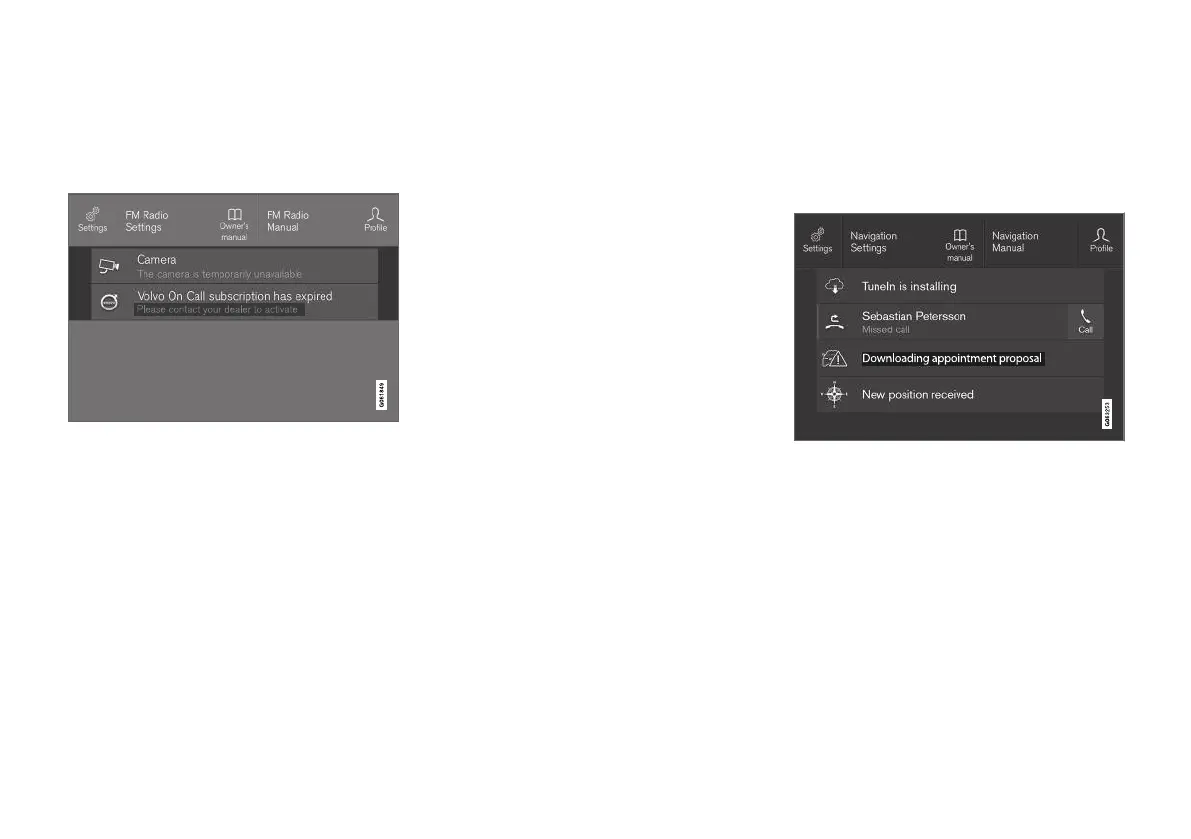
Message in the centre display's top view.
Some messages in the centre display have a but-
ton (or several buttons in pop-up messages) for
e.g. activating/deactivating a function linked to
the message.
Managing a new message
For messages with buttons:
–
Press the button to perform the action or
allow the message to close automatically
after a while.
> The message disappears from the status
bar.
For messages without buttons:
–
Close the message by tapping on it, or allow
the message to close automatically after a
while.
> The message disappears from the status
bar.
If a message needs to be saved, it is positioned
in the top view in the centre display.
Related information
•
Message in centre display (p. 134)
•
Handling a message saved from the centre
display (p. 135)
•
Messages in the driver display (p. 100)
Handling a message saved from the
centre display
Whether saved from the driver display or the
centre display, messages are managed in the
centre display.
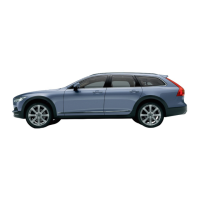
Saved messages and possible options in the top view.
Messages that are shown in the centre display
that need to be saved are added in the top view
of the centre display.


 To Next Page