WWW.VORONDESIGN.COM
CAD version: ERCF V2
6868
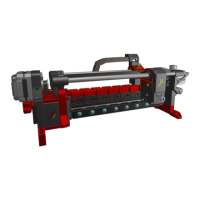
FILAMENT BLOCKS
BONDTECH GEAR ALIGNMENT
Insert a small piece of PTFE tube (a few
centimeters is enough) into the Filament Block
ECAS. Insert a piece of filament through the block
until it comes out the other side. (Depending on
the shape of the filament end, it is possible that it
is caught by the trap. In that case push the back of
the filament path down to release the trap. Now
the filament should go out the other side.)
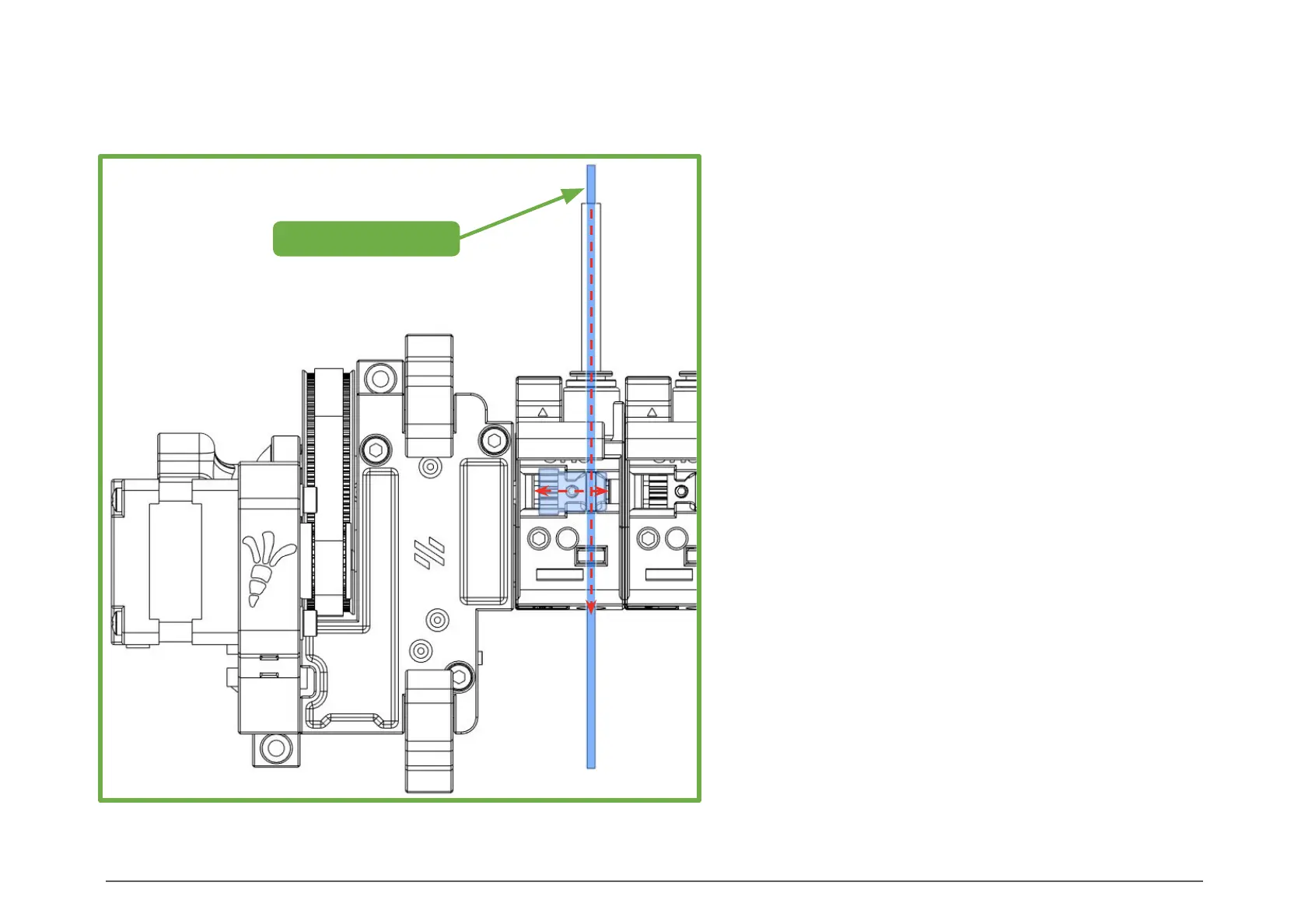
Make sure the flat surface of the Drive shaft is
facing up towards the Bondtech M3 set screw.
Press down on the Filament_Path and use the
filament to align and centre the gear with the
groove, then tighten the set screw.
Don’t forget to use a little thread locker on the set
screw, but be careful not to get it on printed parts.
If you do, clean it immediately, because thread
locker degrades ABS.
Repeat this process for all the Filament Blocks.
1.75mm Filament
View from the top of the ERCF.
BONDTECH GEAR ALIGNMENT


 To Next Page