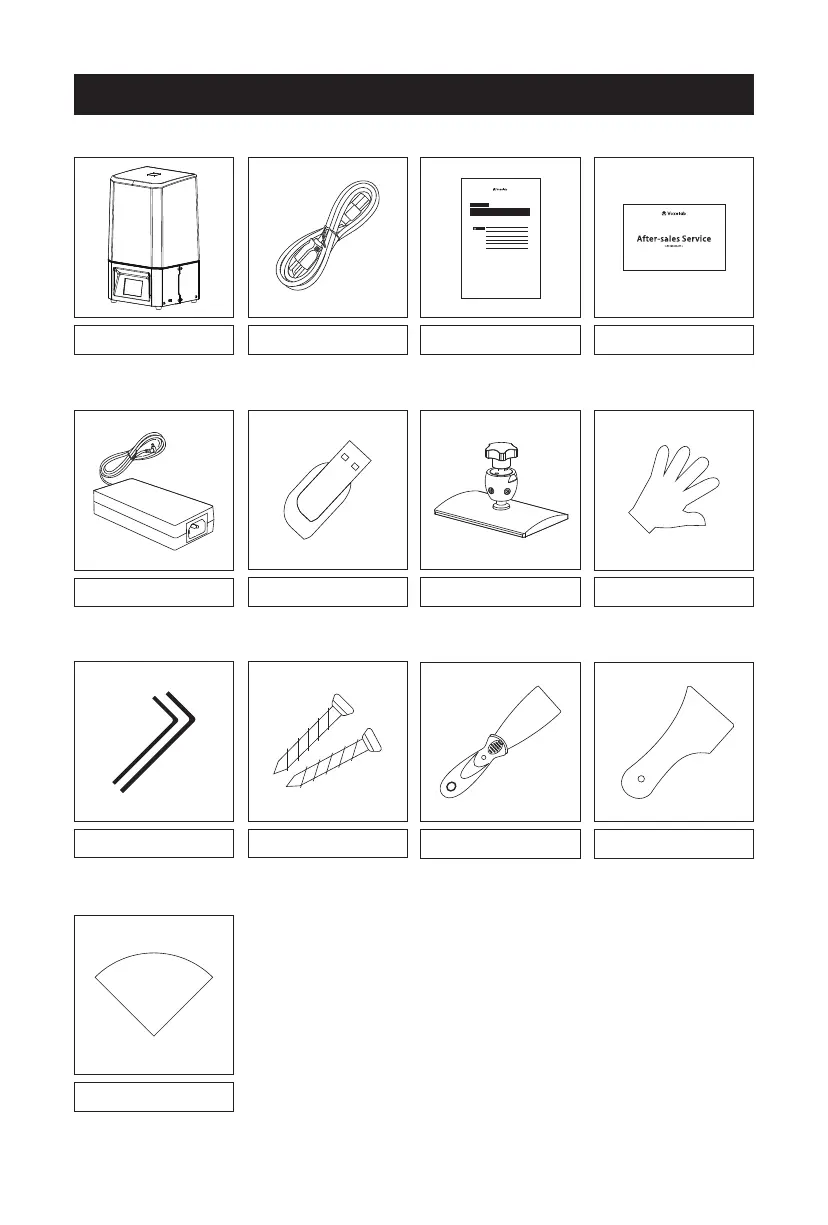
Accessory Box
After-sales card
Power cable
USB stick
Proxima Quick start guide
Power adapter
Build plate
Rubber gloves
Filter paper
aftersales@voxelab3dp.com
Wrench set Screw set
Metal Scraper
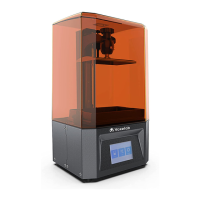
This guide is only applicable to Voxelab Proxima 3D printer
Proxima
Quick Start Guide
VL02-EN/CN-A01
Please put on gloves while using photopolymer resin to avoid
direct contact with hands.
To ensure the printing quality, please don’t open the light shield
unless it’s necessary.
Unused photopolymer resin needs to be stored in a dark, dry ,
and cool place.
Please clean the finished model with anhydrous alcohol.
Please ensure that the platform is installed correctly and no
items before operating to avoid damaging the LCD screen.
1.
2.
3.
4.
5.
WARNING
Plastic Scraper
6


 To Next Page