17
WIFI DUAL SCREENCONTINUED
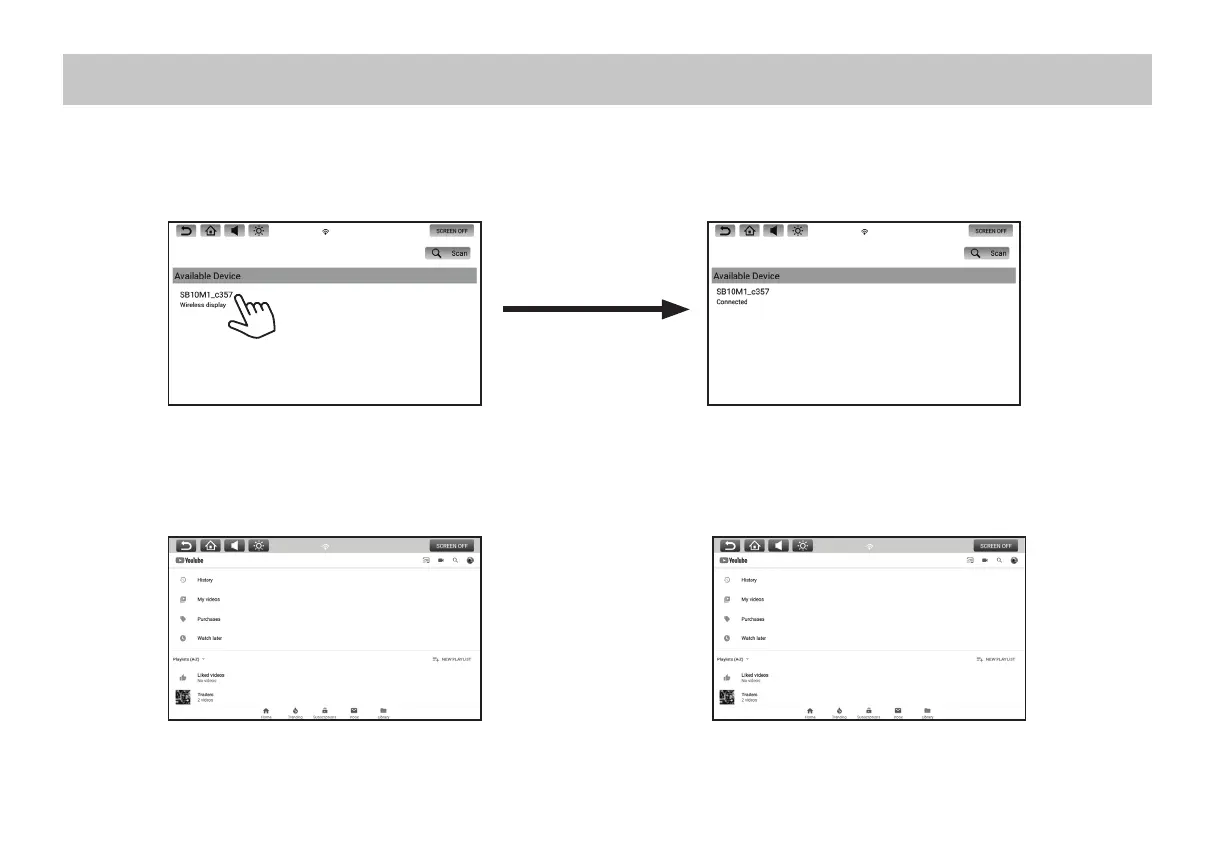
5. Select the Receiving Monitor by pressing the Device Name. The Transmitting monitor will then establish a connection to the Receiving Monitor.
Once a connection is established, "Connected" will appear under the Device Name.
6. Once connected, the Receiving Monitor will mirror the Transmitting Monitor in high resolution.
7. To stop mirroring of the Transmitting Monitor's content on the Receiving Monitor, press the Home button on the Receiving Monitor.
Transmitting Monitor
Receiving MonitorTransmitting Monitor


 To Next Page