18
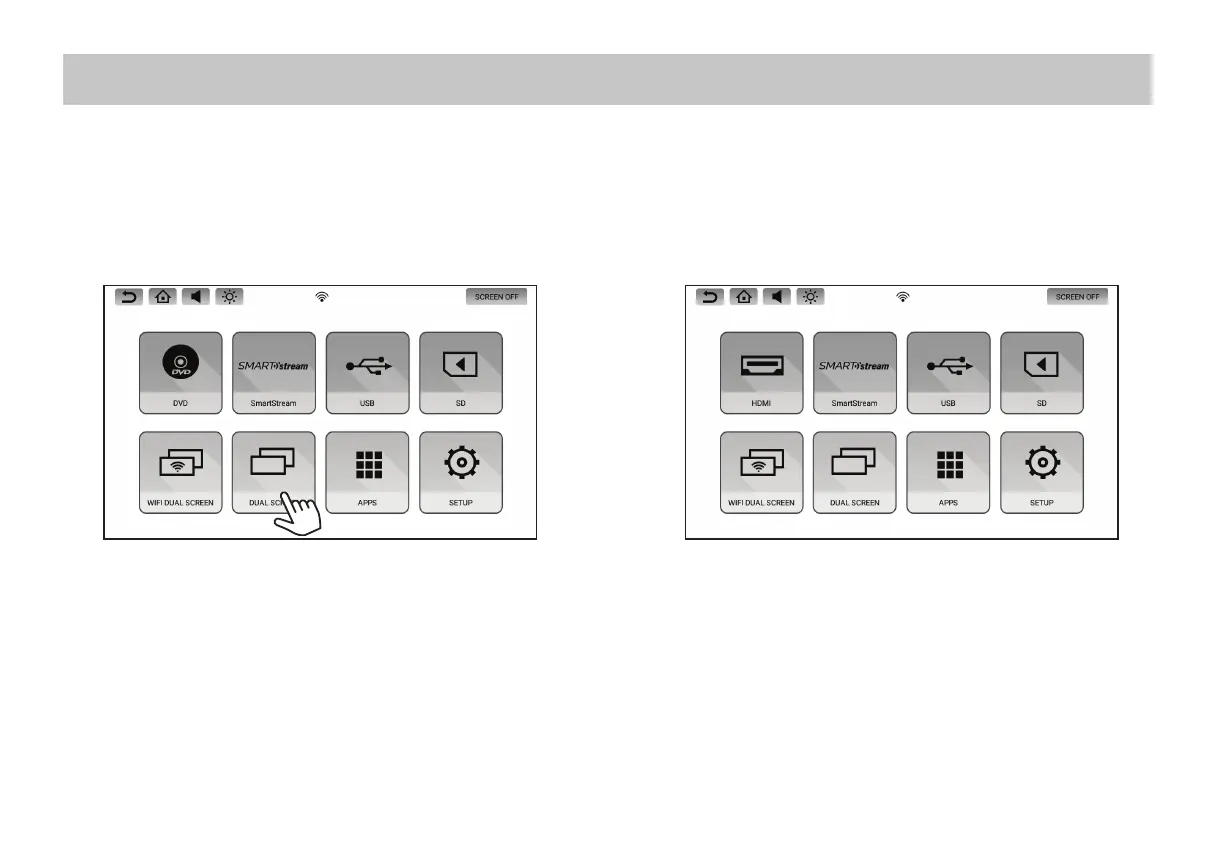
DUAL SCREEN
1. To mirror content from one monitor to the other, select Dual Screen on the receiving monitor.
2. To stop mirroring content on the receiving monitor, press the Home button on the receiving monitor.
Dual Screen allows you to share content between monitors in standard resolution.
NOTE: Dual Screen mode can only be selected on one monitor at a time. If Dual Screen mode is selected on both monitors at the same time, a white
screen will appear on both monitors. Press the Home button on either monitor to resume normal operation.


 To Next Page