1
Safety Information
Thank you for purchasing the player. Please read this manual carefully before
operating and reserve it for future reference.
WARNING
• Toreducetheriskofreorelectricshock,donotexposethisproducttorainor
moisture.
• Never watch video in the front when driving to prevent the violation of laws &
regulationsandalsotoreducetheriskoftrafcaccident.
CAUTION
This product is a CLASS 1 LASER PRODUCT. Use of controls or adjustments
or performance of procedures other than those specified herein may result in
hazardous radiation exposure. Donotopencoversanddonotrepairyourself.
Referservicingtoqualiedpersonnel.
TWO LASER PRODUCTS
Wave length: CD:780nm DVD:650nm
Laser power: No hazardous radiation is emitted with safety protection.
Toreducetheriskofreelectricshock,and annoyinginterference,useonlythe
included components.
CD NOTES
• Playing a defective or dusty CD can cause dropouts in sound.
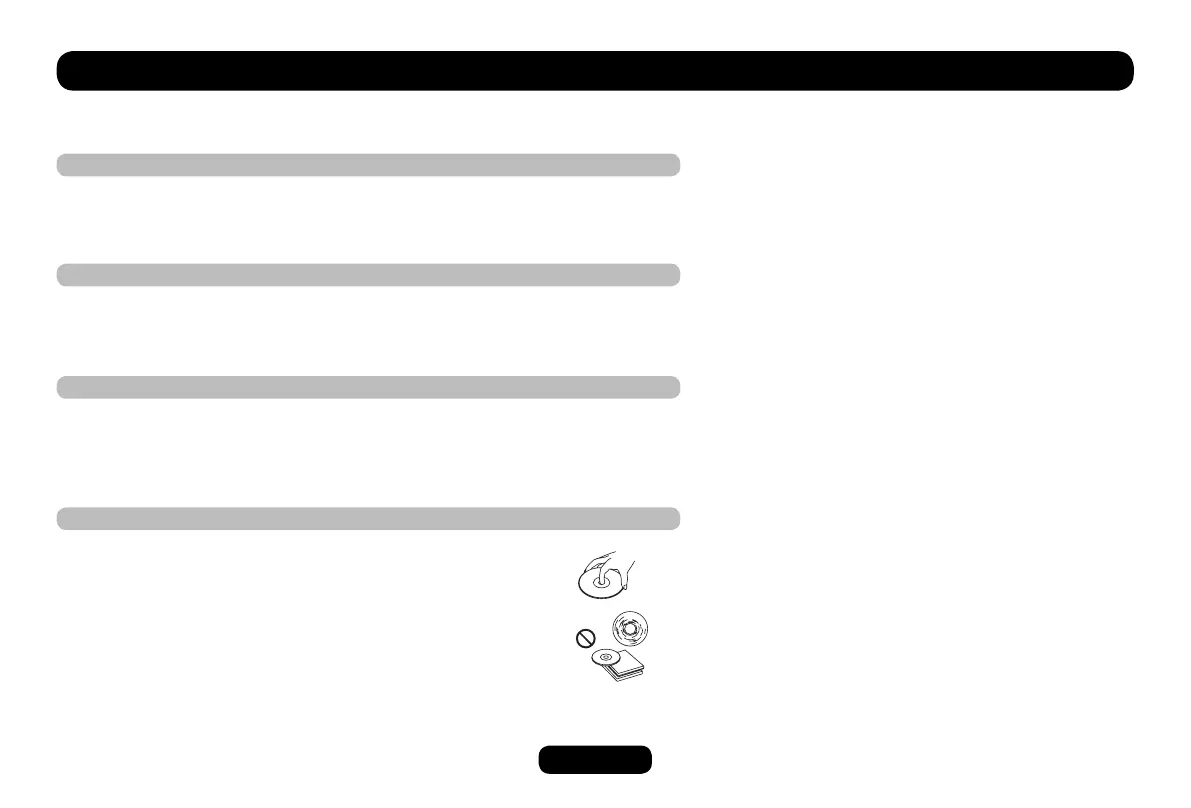
• Hold CDs as illustrated.
• Do not touch the unlabeled side.
• Donotattachanyseal,labelordataprotectionsheettoeither
side of a disc.
• DonotexposeaCDtodirectsunlightorexcessiveheat.
• Wipe a dirty CD from the center outward with a cleaning cloth.
Never use solvents such as benzine or alcohol.
• This unit cannot play 3-inch (8cm) CDs. Never insert a 3-inch CD contained in
the adapter or an irregularly shaped CD. The unit may not be able to eject it.
Contents
Safety Information..................................................1
Panel Control .........................................................2
Getting Started.......................................................3
Remote Control......................................................4
USB/SD/MMC MP3 Playback ................................6
General Operation .................................................7
Source Select ...................................................7
Panel Action .....................................................7
Radio ................................................................8
RDS ..................................................................9
DVD Playback ................................................10
Video CD Playback .........................................11
CD Playback ...................................................11
MP3/MP4/PHOTO Menu ................................11
MP4 Playback .................................................12
PHOTO Playback ...........................................12
System Setup ......................................................13
SELECT Menu ................................................13
SETUP Menu ..................................................13
DVD Setup ...........................................................15
DVD System Setup .........................................15
DVD Language Setup .....................................17
DVD Audio Setup ...........................................18
DVD Video Setup ...........................................19
DVD Digital Setup ...........................................20
Electrical Connections .........................................21
Installation Guide .................................................22
Troubleshooting ...................................................23
Specications.......................................................24


 To Next Page
 Loading...