6
1. Loading SD/MMC card
OpenthepanelandinserttheSD/MMCcardintotheslot.Closethepanel,the
unitwillreadtheleofthecardautomatically.
2. Take out SD/MMC card
PushSRCbuttontonon-SDmode,presstheSD/MMCcardtopopout.Takeout
the card.
* The panel cannot close if the SD/MMC card was not fully inserted or did not
remove after pop it up.
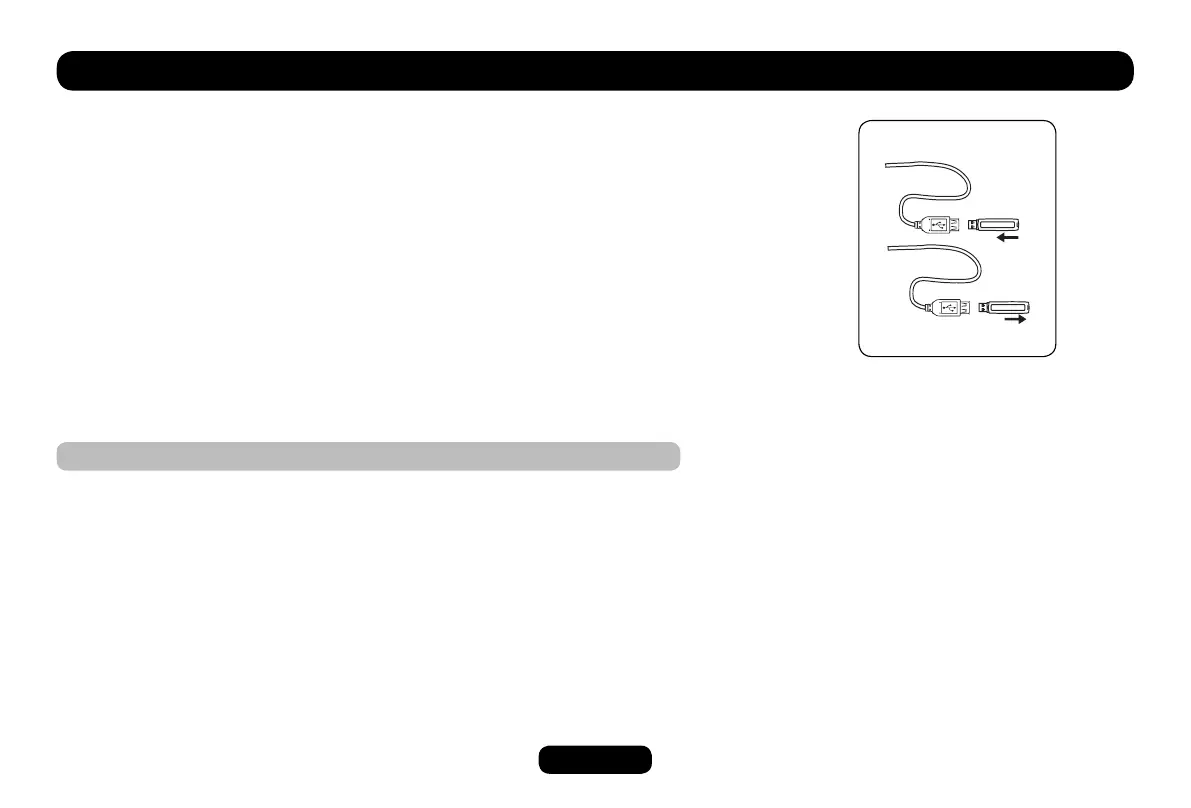
3. Loading USB device
InsertUSBdeviceintotheUSBjack.TheunitwillreadtheleintheUSBdevice
automatically.
4. Take out USB device
Press the SRC button to non-USB mode and take out the USB device from the
USB jack.
USB/SD/MMC Notes
USBfunctions(ashmemorytype)MP3musicplay
1. SD/MMC card support.
2.USBashmemory2in1(SD/MMC)support.
3. Support FAT 16 & FAT 32.
4. File name: 32 byte/dir name: 32 byte/tag name: 32 byte.
5. Tag (ID3 tag ver 2.0)
Title/Artist/Album: 32 byte support.
6. Multi card reader not support.
7. USB 1.1 support.
USB2.0support(itcannotsupportUSB2.0speed.Just,getbesamespeed
with USB 1.1).
USB/SD/MMC MP3 Playback



 To Next Page