7
General Operation
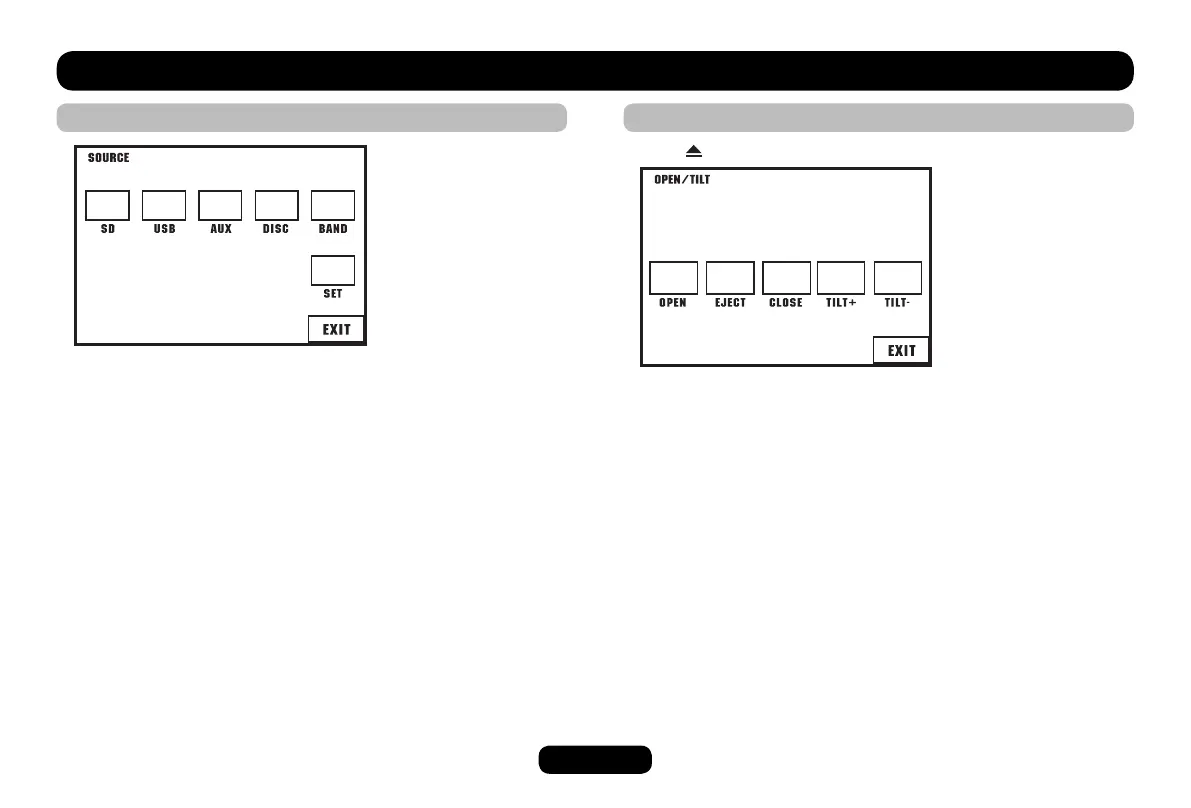
Source Select
On the source menu:
Touch to access desired mode.
Touch EXIT to previous mode.
On the unit panel:
Press SRC button to change mode directly.
Panel Action
Press button to display [OPEN/TILT] screen.
Touch to access desired action.
Touch EXIT to erase this screen.



 To Next Page