39
Messages, Internet and data
As your phone goes online:
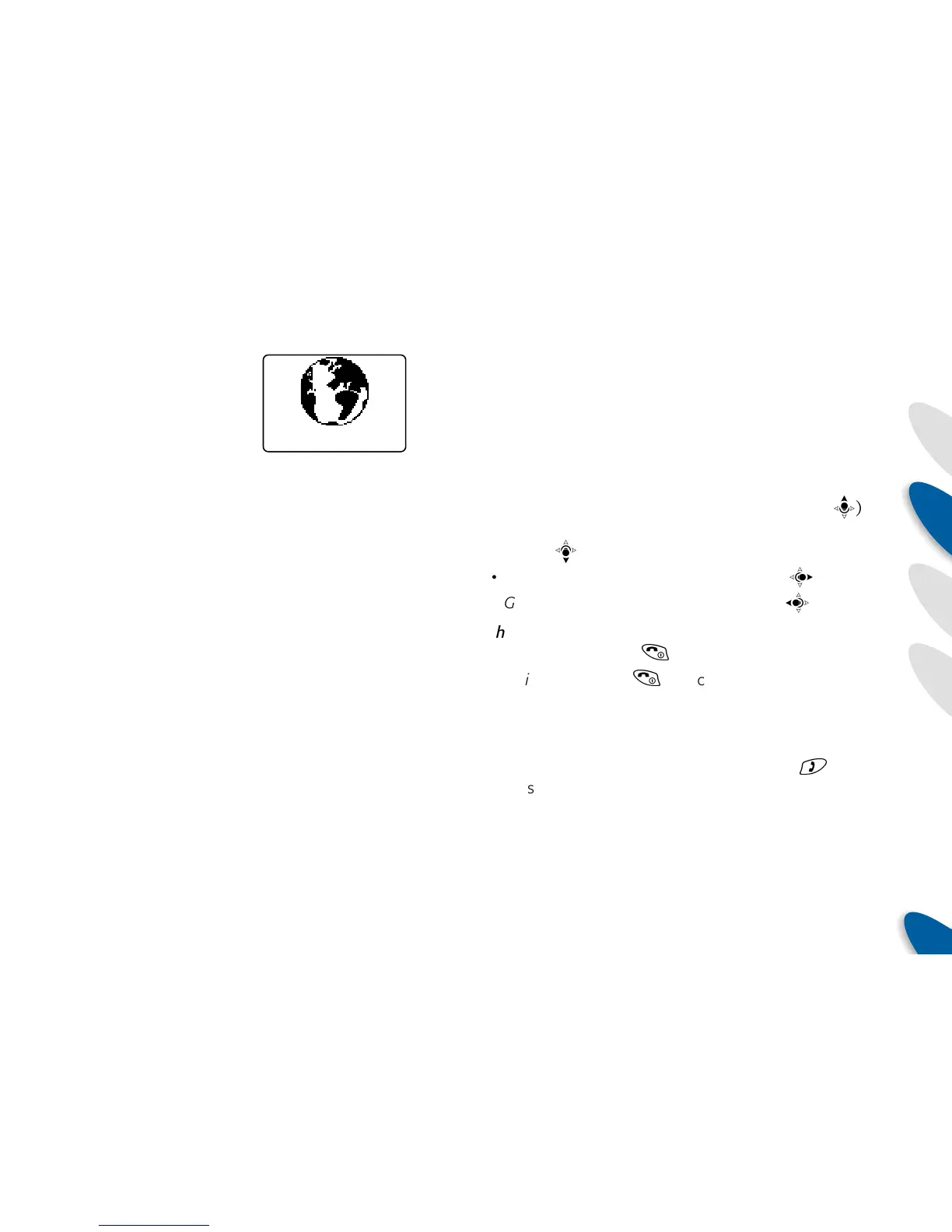
The screen will show a
spinning globe with the
current connection status
shown below it:
Internet navigation and online options
Once you are connected, the displayed items will depend
upon the sites that you visit. For ease of use, most WAP
sites arrange items as lists, where you move a highlight
bar up or down to the required item and then select it.
You control these movements and selection operations
using the joystick.
To navigate and select:
• Move up a menu item – click the joystick up (
b
)
• Move down a menu item – click the joystick
down (
d
)
• Select an item – click the joystick right (
c
)
• Go back a step – click the joystick left (
a
)
Other options:
• Go off line – press
(
.
• Quit WAP – press
(
a second time (after going
offline).
• Adjust screen font sizes – press the volume buttons
on the side of your phone.
• Display the online options menu – press
)
to
present the following list of options:
• Return to Card – re-displays the page that was
being shown before you accessed the options
menu,
• Bookmarks – displays a list of names of previously
noted web sites from which you can choose,
Calling
• Calling - the call is currently being made via the
mobile network to the ISP defined within your current
Profile,
• Connecting – the connection to the ISP has been
made and a data link is being established,
• Authenticating – your Internet presence is being
configured by the ISP,
• Connected – the link to the Internet has been made
and the requested web site is being loaded. Shortly
after this point your phone’s WAP browser is activated
and the selected page should be displayed.



 To Next Page