8
9
Basic operation - baby monitor
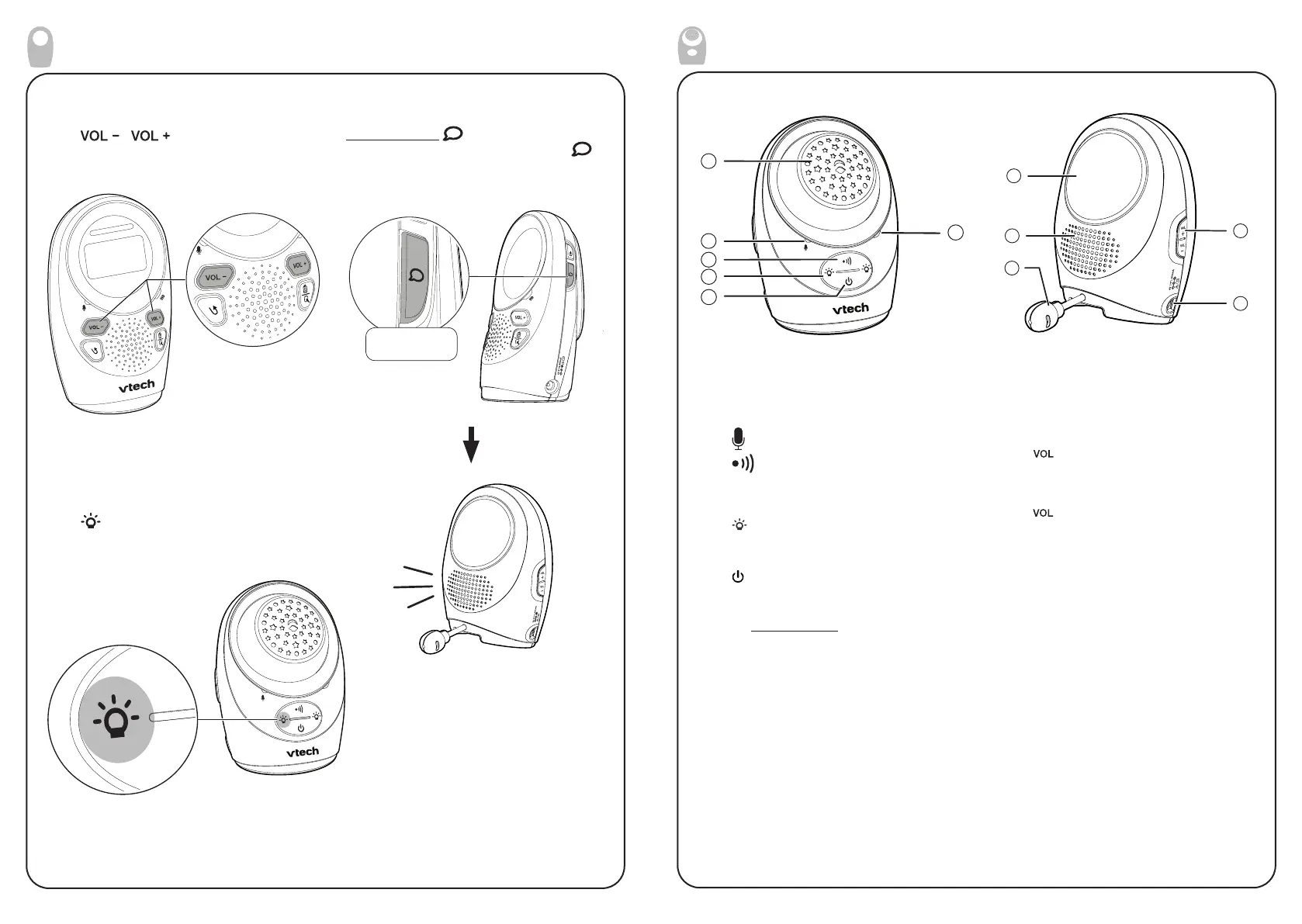
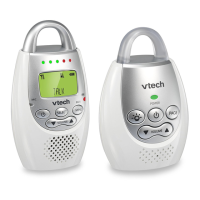
Adjust speaker volume
Press / to adjust your parent
unit speaker volume.
Talk to your baby unit
Press and hold on the side of the
parent unit. The screen displays the
icon when the voice connection to the
baby unit is made.
Press and hold
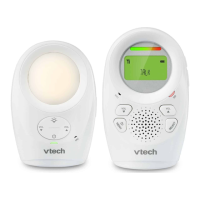
Night light
Press to turn on or off the night light.
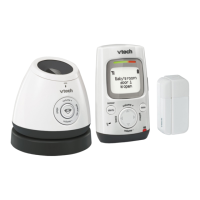
Overview - Baby unit
8
10
11
7
9
1
2
3
5
4
6
1 Projector ball
2
Microphone
3
PAGE
• Press to start or stop paging parent
unit.
4
• Press to turn the night light on or off.
5
(On/off)
• Press to power on, and the power
light turns on.
• Press and hold to power off, and
the power light turns off.
6 Power indicator
• On when the baby unit is turned on.
7
Night light
• On when night light is turned on
manually.
• Off when night light is turned off
manually.
8 Speaker
9 Temperature sensor
10
• Press to increase the speaker
volume.
• Press to decrease the speaker
volume.
11 Power jack


 To Next Page