12
13
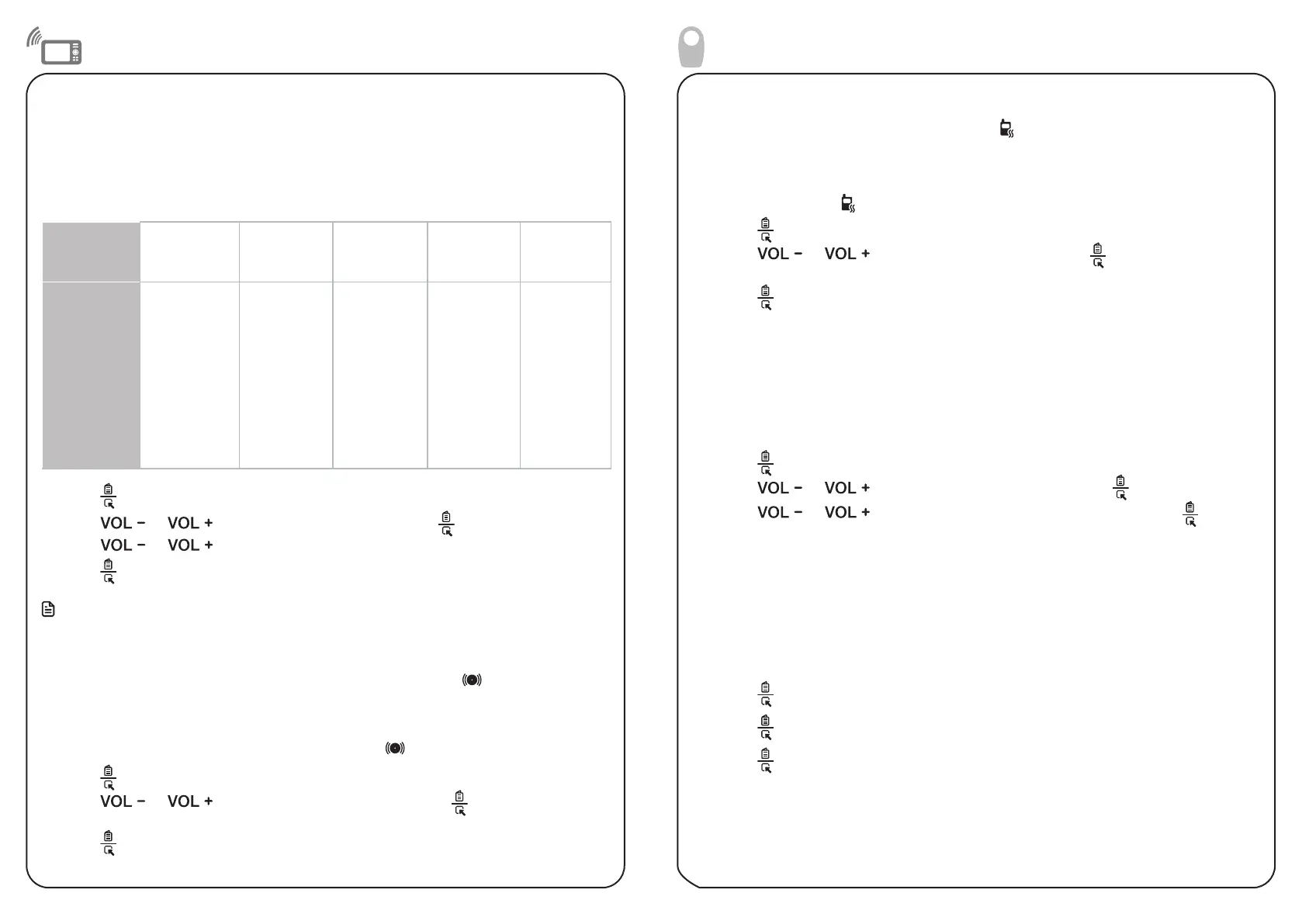
Adjust the sound sensitivity of the baby unit
You can choose to hear sounds from the baby unit all the time, or to hear sounds that exceed
a certain level. You can use the parent unit to adjust the VOX sensitivity of your baby unit to
detect sound. The higher the sensitivity level, the more sensitive the baby unit is in detecting
sounds transmitted to the parent unit. The VOX sensitivity level is preset to HIGHEST.
If you have turned on sound alert, the parent unit beeps when the baby unit detect sounds
VOX Sensi-
tivity level
Highest High Medium Low Lowest
Description
(Default
setting)The
parent unit
speaker is
constantly on,
and you will
hear all sounds
(including
background
noises) from
your baby’s
room.
The parent
unit speaker
turns on for
soft babbling
and louder
sounds from
your baby. It
remains quiet
when your
baby sleeps
soundly.
The parent
unit speak-
er turns on
for loud
babbling
and louder
sounds from
your baby. It
remains quiet
when your
baby makes
soft sounds.
The parent
unit speak-
er turns on
for crying
and louder
sounds from
your baby. It
remains quiet
when your
baby makes
soft sounds.
The parent
unit speaker
turns on for
loud crying
or screeching
sounds from
your baby. It
remains qui-
et when your
baby makes
soft sounds.
1. Press when the parent unit is not in use.
2. Press or to scroll to SENSITIVITY, then press .
3. Press or to choose the VOX sensitivity level.
4. Press to confirm your selection. The screen displays SAVED and you hear a
confirmation tone.
Note
• To enter the VOX Level menu of the parent unit, the baby unit must be turned on.
Sound alert
When the parent unit sound alert is turned on, the sound alert icon is shown on LCD
display. The sound alert is preset to OFF.
If you turn the sound alert on, the parent unit beeps and displays “SOUND ALERT” on the
LCD, indicating that the baby unit detected a sound level that triggered the red sound
level indicator on the parent unit. The sound alert icon also flashes.
1. Press when the parent unit is not in use.
2. Press or to choose SOUND ALERT, then press . The screen displays
ON? or OFF?.
3. Press to confirm your selection. The screen displays SAVED and you hear a
confirmation tone.
Sound sensitivity and sound alert
Operations
Vibration alert
When the parent unit vibration alert is turned on, is shown on LCD display. The vibration
alert is preset to OFF.
If you turn the vibration alert on, the parent unit vibrates, indicating that the baby unit
detected a sound level that triggered the red sound level indicator on the parent unit.
The vibration alert icon also flashes.
1. Press when the parent unit is not in use.
2. Press or to choose VIBE ALERT, then press . The screen displays
ON? or OFF?.
3. Press to confirm your selection. The screen displays SAVED and you hear a
confirmation tone.
Adjust the speaker volume for baby unit
You can adjust the baby unit’s speaker volume from VOLUME 1 to VOLUME 5, using the
parent unit.
To adjust the baby unit’s speaker volume using the parent unit:
1. Press when the parent unit is not in use.
2. Press or to choose BABY VOLUME, then press .
3. Press or to choose your desired volume level, then press . The
screen displays SAVED and you hear a confirmation tone.
Night light
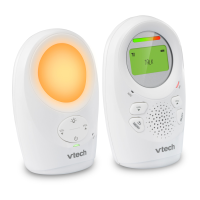
The baby monitor has a night light for you to sooth and comfort your baby at night. You
can turn on or off the baby unit night light directly from the baby unit or via the parent
unit menu.
To turn on or off the night light using the parent unit:
1. Press when the parent unit is in adle mode.
2. Press again to choose NIGHT LIGHT. The screen displays ON? or OFF?.
3. Press to confirm your selection. The screen displays SAVED and you hear a
confirmation tone.


 To Next Page