www.vtechphones.com
29
Basic operation
Basic operation
Intercom call
• To end an intercom call on any handsets, press /CLEAR. To end it at
the base unit, press
INTERCOM or /SPEAKERPHONE at the base
unit.
From one handset to a specic handset or base unit
• Press
MENU/SEL to display menu when in idle mode.
• Press the
DOWN NavKey three times to reach Intercom and press
MENU/SEL to enter the menu.
• Use the
UP or DOWN NavKey or to scroll to the destination handset
or base unit, and press MENU/SEL to conrm.
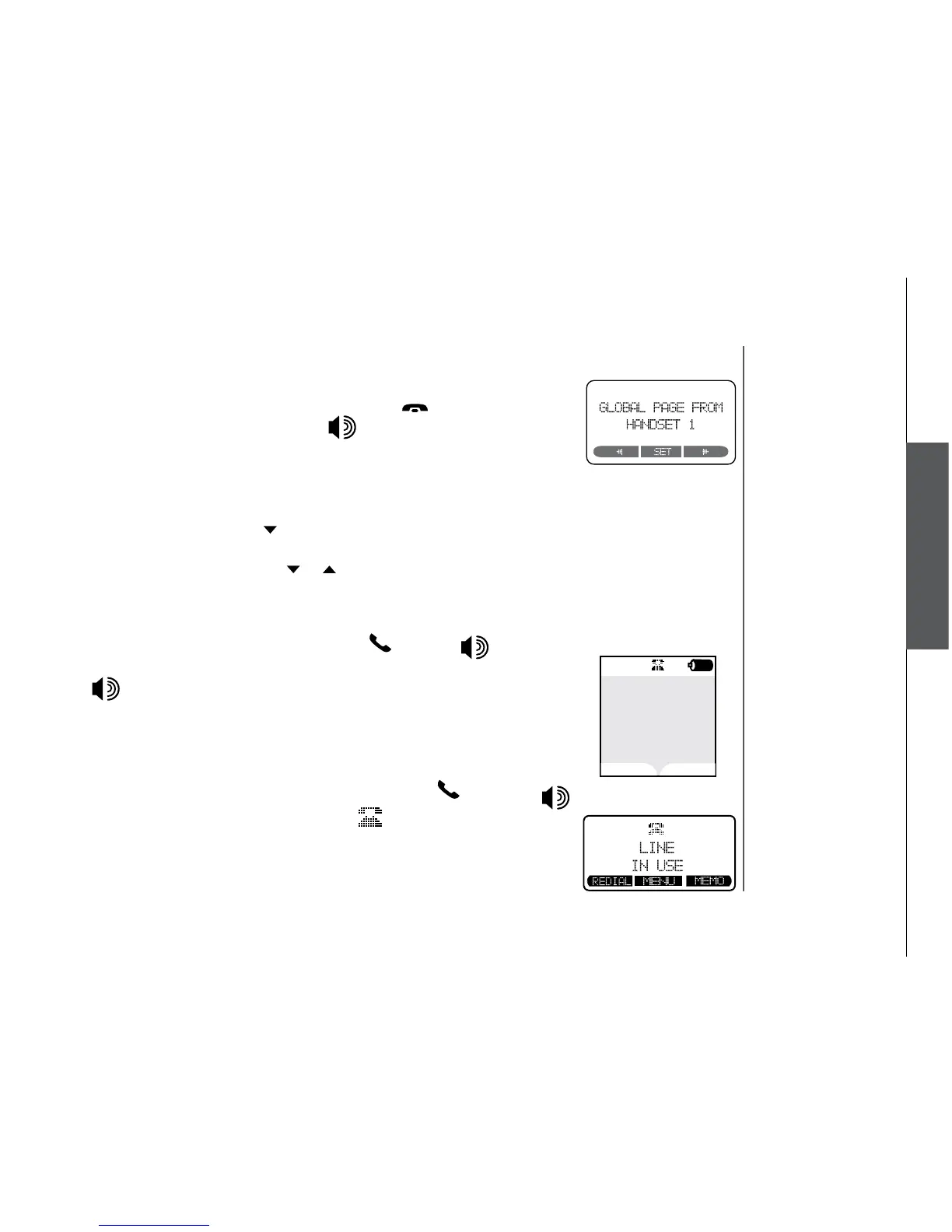
• The destination handset or base unit will ring, and the screen displays
INTERCOM from Handset 1 (if the page is from handset 1).
• To answer the page on any handset,
press /FLASH, or any keys
on the dialing pad. To answer the page at the base unit, press INTERCOM
or /SPEAKERPHONE.
Conference call
This feature allows you to have conference calls with up to three registered
handsets and the base unit. To enter a conference call, simply access the line
with up to three handsets and the base unit by pressing
/FLASH or
on the handset or at the base unit. The icon
will be displayed.


 To Next Page