Play or pause the music.
Play the previous or next track.
Option Menu.
Play All – Play all the music in sequence.
Repeat All – Loop all the music in sequence.
Repeat One – Loop the current track.
Shufe All – Play all the music randomly.
Play Folder – Loop all music stored within the selected folder (sub-
folders not included).
NOTE: The maximum music play time is 2 hours by default and can be
adjusted in the Setup Menu.
When music is playing, animations will be shown on screen and the
system time will be displayed on the bottom. You can press the
LEFT/RIGHT button to return to the last screen.
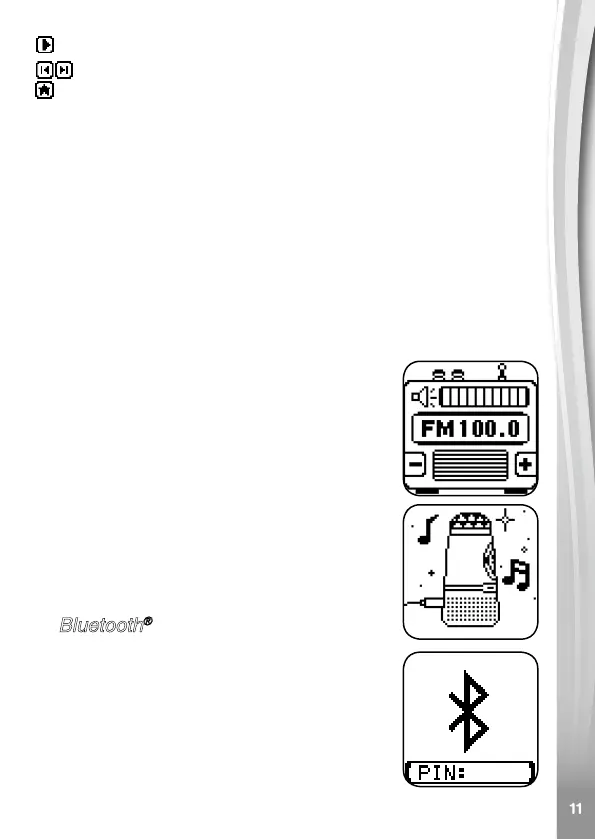
C. FM Radio
In this mode you can listen to your favourite FM
radio stations.
Press the LEFT/RIGHT button to manually search
through the frequency range, or hold either of
these buttons to auto search for a station.
NOTE: The Disco Light is not available in FM
Radio mode.
D. Audio-in Connection
In this mode you can listen to your own music
on your external music device via an audio-in
connection.
E. Bluetooth
®
Connection
In this mode you can listen to your own music
on your external music device via a Bluetooth
®
connection. To make a Bluetooth
®
connection to
Kidi Concert:
• Turn on the Bluetooth
®
function on your external
music device, then search and connect to the
device "VTech Kidi Music".


 To Next Page