The current time will display even in Standby mode. Press the
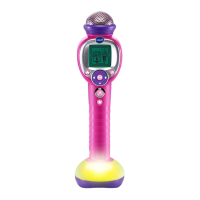
HOME/LIGHT CONTROL/Bluetooth
®
button to wake the unit up.
DISCO LIGHT CONTROL
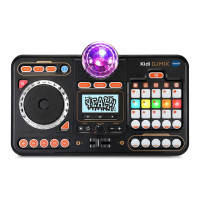
Press the LIGHT CONTROL button to change the Disco Light mode:
Mode 1 - Light OFF (Default)
Mode 2 - Dim Light ON
Mode 3 - Projection Light ON
Mode 4 - Projection Light ON with Spinning
Press the LEFT/RIGHT button to change the light effect.
WARNING: When the Disco Light is ON, do not look directly at the
disco light.
NOTE: To preserve battery life and the performance of the LED and
Motor units, the Disco Light will automatically turn off after 1 hour of
continuous usage. You can manually turn the Disco Light on again if
needed.
VOLUME CONTROL
Press the volume buttons to adjust the volume.
BATTERY STATUS
Shortly after the screen shows the Low Battery icon , the unit will
automatically shut off. New batteries should be installed before further
use.
ACTIVITIES
1. CLOCK MODE
In Standby mode, press the HOME/LIGHT CONTROL/Bluetooth
®
button to wake the unit up and view the normal clock. Press the
LEFT/RIGHT button to change the time display style.
In other modes or functions, you can hold the HOME button to quickly
go back to the Standby clock.
Once you have set up an alarm and the alarm tone activates, press
any button on the unit to stop the alarm tone. If you do not press
any button within 1 minute, the alarm tone will automatically shut off.
Please refer to the Setup section for details.



 To Next Page