WARNING: All packing materials such as tape, plastic sheets,
packaging locks, removable tags, cable ties and
packaging screws are not part of this toy, and
should be discarded for your child’s safety.
NOTE: Please keep this parent's guide as it contains important
information.
This product is only to be connected to equipment of Class II, marked
on the marking plate with this symbol:
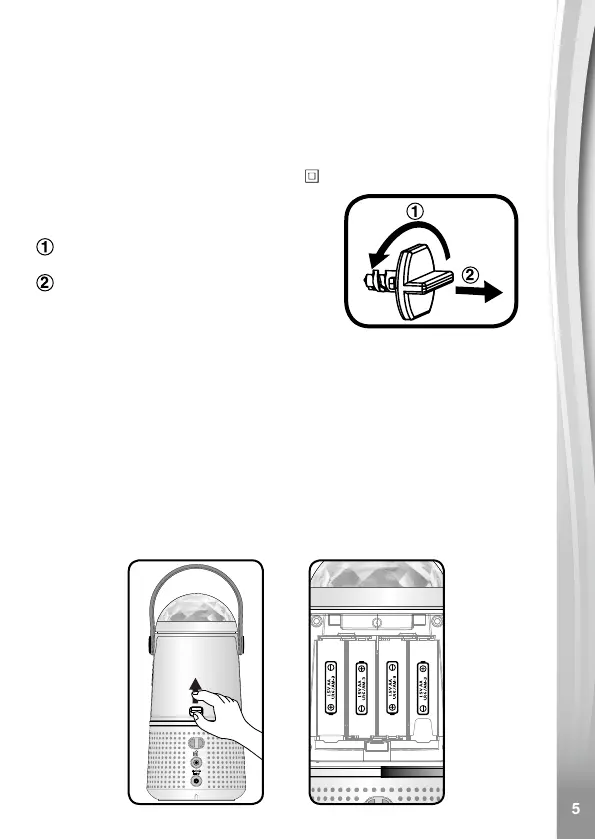
Turn the packaging lock
anticlockwise several times.
Pull out and discard the packaging lock.
Unlock the packaging locks:
GETTING STARTED
BATTERY INSTALLATION
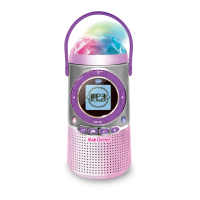
Kidi Concert uses 4 AA size batteries.
• Make sure the main unit is turned OFF or in Standby mode.
• Locate the battery cover on the back of the main unit.
• Open the battery cover.
• Install 4 new AA batteries as illustrated. (The use of new alkaline
batteries is recommended for maximum performance).
• Replace the battery cover.



 To Next Page