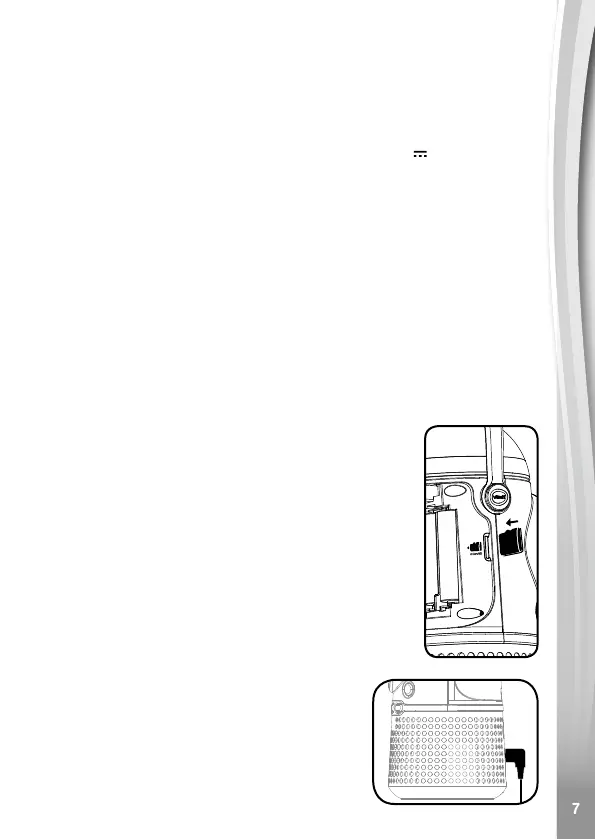
• Connect a power adaptor (not included) into the unit’s DC Jack.
• Insert the other end of the power adaptor into a plug socket.
• Turn the unit ON.
TRANSFORMER SAFETY NOTICE
• Using a 3.5mm/1.3mm (positive centre) 6V/800mA DC output AC
adaptor is recommended.
• This toy shall only be used with a transformer for toys.
• The transformer is not a toy.
• This toy is not intended for use by children under 3 years old.
• Do not connect the toy to more than the recommended number of
power supplies.
• Never clean a plugged-in toy with liquid.
• Please regularly examine the transformer, checking for damage to
the cord, plug, transformer or other parts. Do not use the transformer
if it is damaged.
MEMORY CARD INSTALLATION
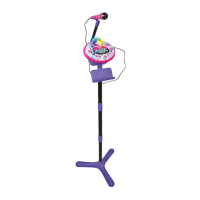
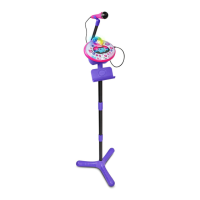
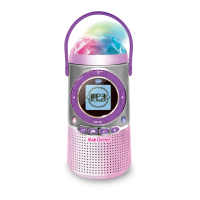
Kidi Concert is compatible with microSD/microSDHC
memory cards up to 32GB.
• Make sure the main unit is in Standby Mode.
• Locate the memory card slot inside the battery
compartment of the main unit.
• Insert the memory card (not included) as
illustrated.
• To remove the memory card from the slot, push
the card once and it will eject.
Note: To prevent accidental data loss, make sure
you have backed up all important data from your
memory card before using.
USING THE AUDIO
CABLE
• Plug one end of the audio cable to the
Audio-in jack of the main unit.
• Plug the other end into your own music
device.




 To Next Page