17
USING THE PHONE
4.7 Turn the Keypad Lock ON/OFF
You can lock the keypad so that the handset cannot be used accidentally while
carrying it around.
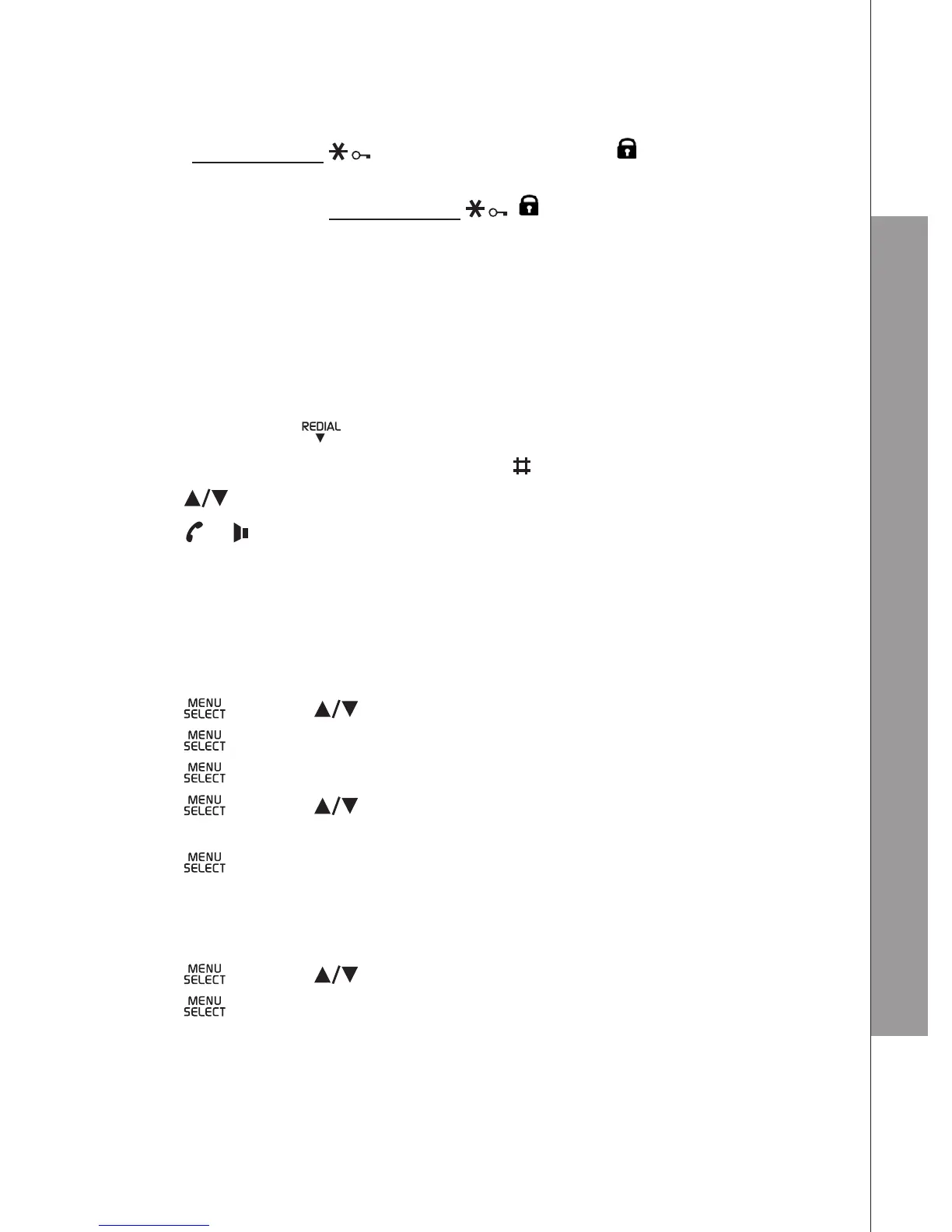
In idle, press and hold to turn on the keypad lock.
will disappear.
4.8 Redial the Last number
You can redial up to 5 of the last numbers called. If you have stored a name in the
phonebook to go with the number, the name will be displayed instead. The most
recent last number will display at the top of the redial list.
4.8.1 Redial a Number from the Redial List
In idle mode, press
to access the redial list.
Remarks: If the redial entry is with name, press to view the number.
2 Press to choose a desired redial entry.
3. Press
or
to dial to the selected redial number.
note
If there are no numbers in the redial list, the display shows “EMPTY”.
4.8.2 Store a Redial Number into the Phonebook
Follow Steps 1 and 2 in the section of Redial a Number from the Redial List.
Press and then to select ADD TO PB.
Press and then use the keypad to enter the name.
Press and then use the keypad to edit the number if necessary.
Press and then to select the melody. The respective melody will be
played when browsing the melody list.
Press to conrm.
4.8.3 Delete a Redial Number
Follow Steps 1 and 2 in the section of Redial a Number from the Redial List.
Press and then to select DELETE.
Press to conrm.
1.
2.
1.
1.
2.
3.
4.
5.
6.
1.
2.
3.



 To Next Page