4
AC Adaptor AC Adaptor
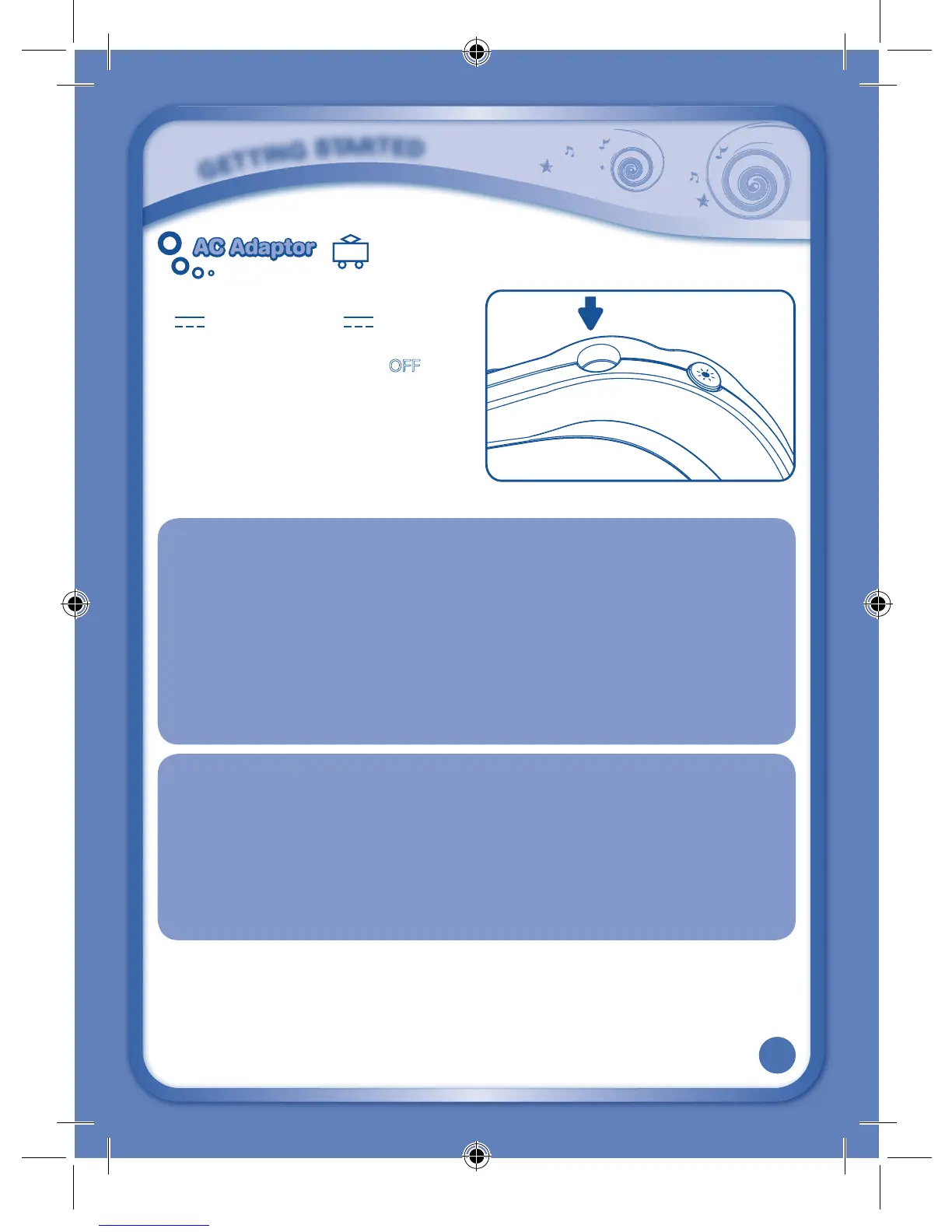
• Using a VTech adaptor (AC/DC 7.5V
400mA
or 9V
300mA
) is
recommended.
• Makesuretheunitisturned
OFF.
• Plugthepowerjackintothe7.5V/9V
socket at the upper right corner of the
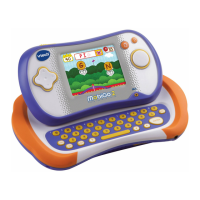
unit (see illustration).
• PlugtheACadaptorintoawallsocket.
NOTE:
1. Theuseofanadaptorwilloverridethebatteries.Whenthetoyisnotgoingtobeinuse
for an extended period of time, unplug the adaptor.
2. When disconnecting any plugs from the MobiGo
®
2 or wall outlet, carefully pull by the
plug itself rather than by the cord.
3. When you finish playing, always turn the MobiGo
®
2 off and unplug the AC adaptor from
both the wall socket and the MobiGo
®
2.
4. DonotwraptheACadaptorcordaroundtheMobiGo
®
2, or it may damage the touch
screen.
5. Topreserveenergy,MobiGo
®
2 will automatically turn off after several minutes without
input.PresstheON/OFFbuttontoturntheMobiGo
®
2 on again.
STANDARD GUIDELINES FOR ADAPTOR TOYS
• Thistoyisnotintendedforusebychildrenunder3yearsold.
• Onlyusetherecommendedtoytransformerwiththistoy.
• Theadaptorisnotatoy.
• Nevercleanapluggedintoywithliquid.
• Donot connectthe toy tomorethan therecommended numberofpower
supplies.
• Donotleavethetoyplugged-inforextendedperiodsoftime.
G
E
T
T
I
N
G
S
T
A
R
T
E
D
135800 MobiGo2 M 20120510.indd 4 2012-5-30 10:17:12









 To Next Page