19
IMPORTANT
Check for a dial tone by lifting the handset. If you hear a
dial tone, the installation is successful.
WARNING
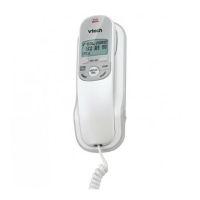
Do not place your VTech T1100 in the bathroom or other
humid areas.
IMPORTANT
Only use the telephone cords supplied with the product,
and good AA batteries included.
UsING YOUR VTECH T1100 PHONE ON A
bROADbAND ADsL LINE?
If this product is to be used on a broadband ADSL line,
then you must ensure that it is connected via an ADSL
your Broadband service.
DATE AND TIME
If you have subscribed to a Network Calling Number
Display service, the date and time are set automatically
with each incoming call.
If you have not subscribed to a Network Calling Number
Display Service you can set the date and time manually.


 To Next Page