26
NAVIGATING THE MENUs
Your VTech T1100 has an easy to use menu system. The
Table below provides a summary of the feature menu.
Use the instructions below to change the settings:
Press OPTION/SELECT repeatedly until the screen
displays the desired feature when the phone is not
in use.
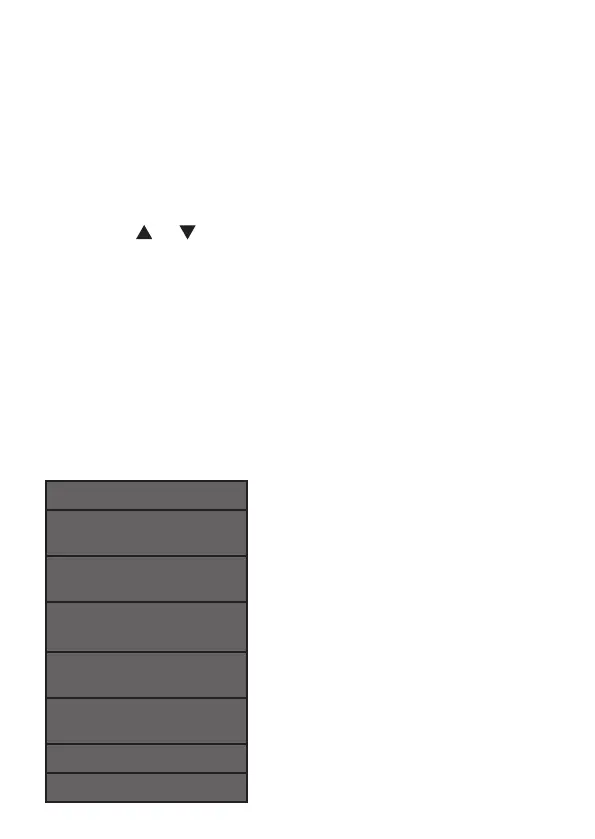
Press or until the handset displays the desired
feature menu.
Press OPTION/SELECT within 10 seconds to save
your selection and move to the next feature.
To return to idle mode, press CLEAR.
-OR-
Wait 10 seconds to exit without saving your selection
and return to idle mode automatically.
HANDsET MENU LAYOUT
SET CONTRAST
HAC - ____
HOME AREA CODE?
LAC 1 - ___
LOCAL AREA CODE?
LAC 2 - ___
LOCAL AREA CODE?
LAC 3 - ___
LOCAL AREA CODE?
LAC 4 - ___
LOCAL AREA CODE?
SET TIME/DATE
SET LANGUAGE
1.
2.
3.
•


 To Next Page