6
7
>
<
3ft (1m)
3ft (1m)
63ē
63ē
4
Status check
Once you power on both your
baby unit and parent unit, your
parent unit displays images from
the baby unit, and the LED
light turns on.
The baby unit’s ON LED light
also turns on.
3
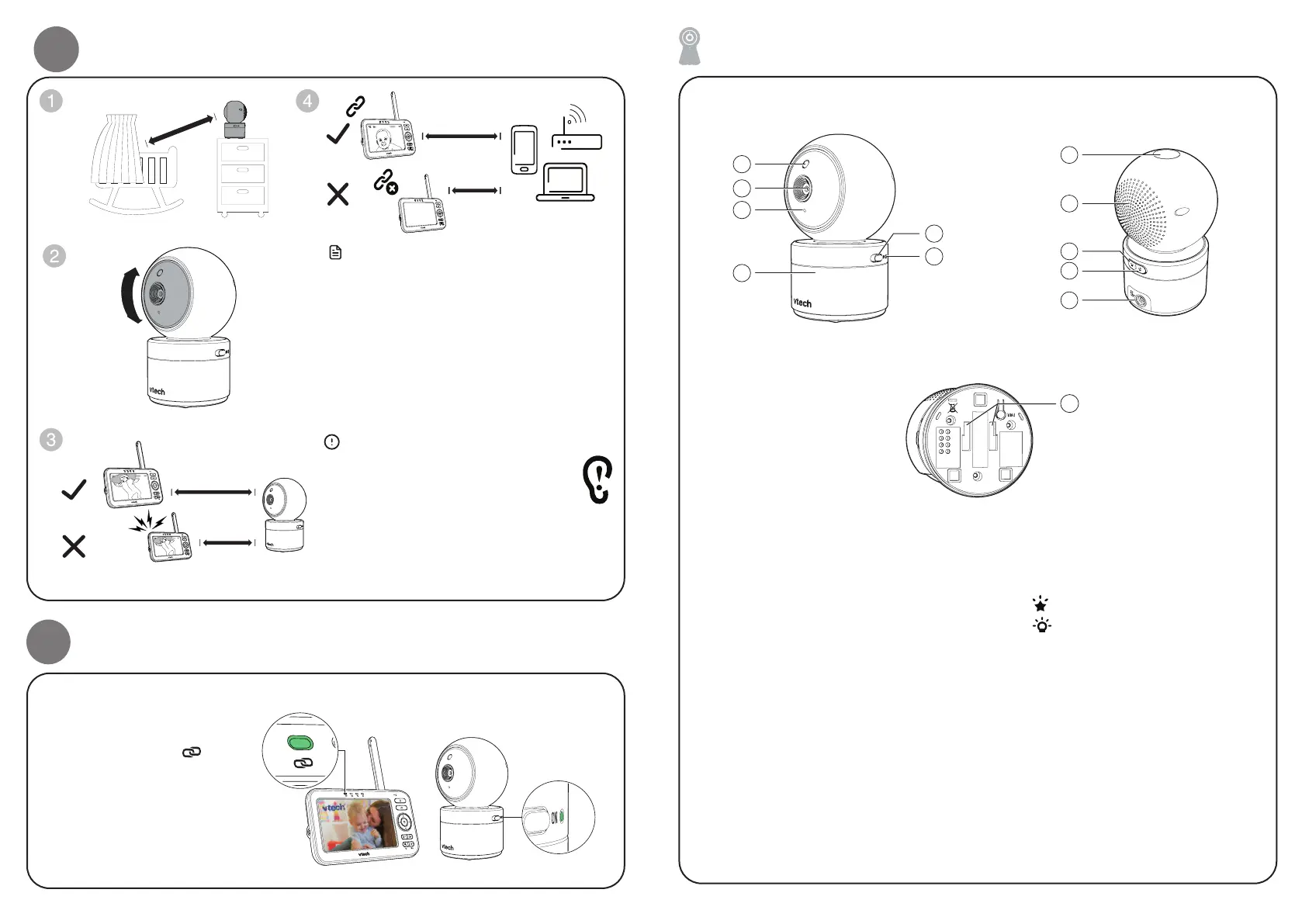
Positioning the baby monitor
Caution
• The default volume of your parent unit is
level 4, and the maximum volume is level
7. If you experience a feedback noise from
your baby monitor while positioning:
- Make sure your baby unit and parent unit
are more than 1 metre (3 feet) apart, OR
- Lower the volume of your parent unit.
Note
• To avoid interference from other electronic
devices, place your baby monitor at least 1
metre (3 feet) away from devices such as
wireless routers, microwaves, mobile phones
and computers.
﹏﹏﹏﹏﹏﹏
﹏﹏﹏﹏﹏﹏
﹏﹏﹏﹏﹏﹏﹏﹏
﹏﹏﹏﹏﹏﹏﹏﹏
﹏﹏﹏﹏﹏﹏﹏﹏
﹏﹏﹏﹏﹏﹏﹏﹏﹏﹏
﹏﹏﹏﹏﹏﹏﹏﹏﹏﹏
﹏﹏﹏﹏﹏﹏﹏﹏﹏﹏
﹏﹏﹏
﹏﹏﹏
﹏﹏﹏﹏
﹏﹏﹏﹏
﹏﹏﹏﹏
﹏﹏﹏﹏﹏
﹏﹏﹏﹏﹏
﹏﹏﹏﹏﹏
> 1 metre
< 1 metre
> 1 metre
< 1 metre
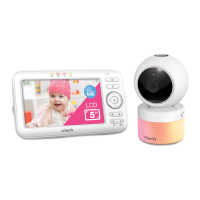
Overview - Baby unit
> 1 meter
5
3
4
2
1
6
7
8
9
10
11
12
1 Light sensor
2 Camera lens
3 Microphone
4 Night light
5 On/Off switch
6 On/Off LED light
• On when the baby unit is
turned on and is paired to the
parent unit.
• Flashes when the baby unit is
not being viewed;
or when the link to the parent
unit is lost.
7 Light projector
8 Speaker
9
Projection light on/off key
10
Night light on/off key
11 Power jack
12 Slots for wall mounting


 To Next Page