8
9
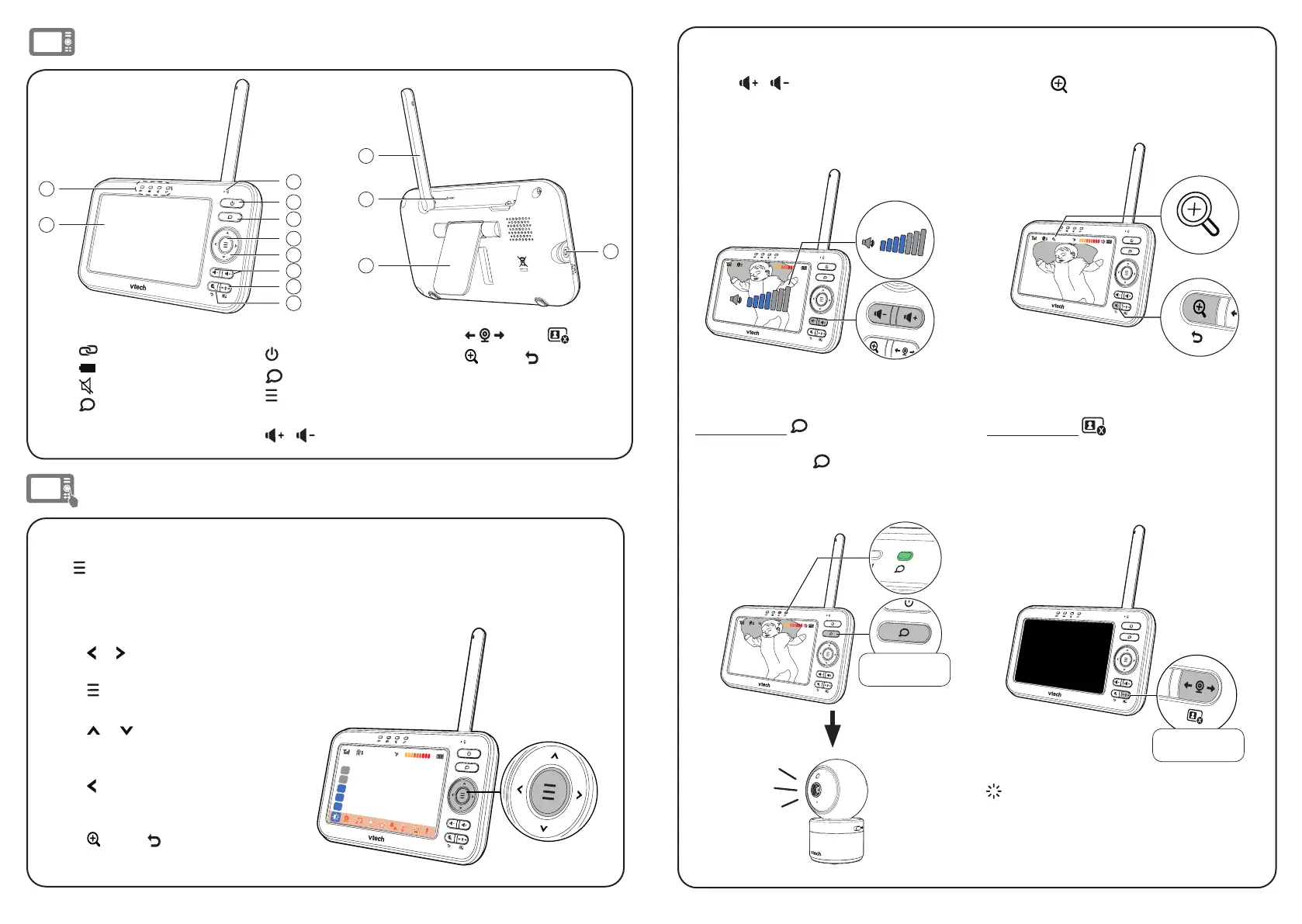
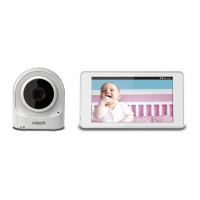
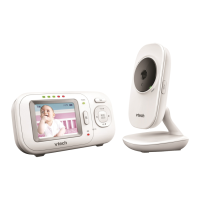
Overview - Parent unit
14
11
12
13
1
2
4
5
6
7
8
3
10
9
1 LED indicator lights
• Link
• Battery
•
Mute
•
Talk
2 LCD display
3 Microphone
4
Power
5
Talk
6
Menu/Select
7 Arrow keys
8
/
Volume Keys
9
View /
LCD off
10
Zoom / Exit
11 Antenna
12 RESET
13 Stand
14 Power jack
Use the menu
Press to enter the menu, choose a menu item, or save a setting. You can use the parent
unit for advanced settings or operations, such as to play or stop the baby unit’s lullaby
playing, or to adjust the baby unit’s sound sensitivity.
While in the menu:
• Press or to scroll among the main
menu options.
• Press to select an item, or to save a
setting.
• Press or to scroll among the
sub-menus,
or to adjust a setting.
• Press to return to the previous menu
options without changing the current
setting.
• Press Zoom / Exit to return to live
video.
Basic operation - Parent unit
Adjust speaker volume
Press
/
to adjust your parent
unit speaker volume. It determines the
volume of sound transmitted to you from
the baby unit.
Zoom
Press to zoom in or out.
Talk to your baby unit
Press and hold and speak to your par-
ent unit. Your voice is transmitted to the
baby unit. Release when finish talking
and hear your baby again.
Turn off the screen
Press and hold
to switch off the
screen. You can still hear sounds from the
baby unit.
Tip
• Press any key on the parent unit to turn the
screen on again.
26
26
Press and hold
26
Press and hold


 To Next Page