PAGE 9
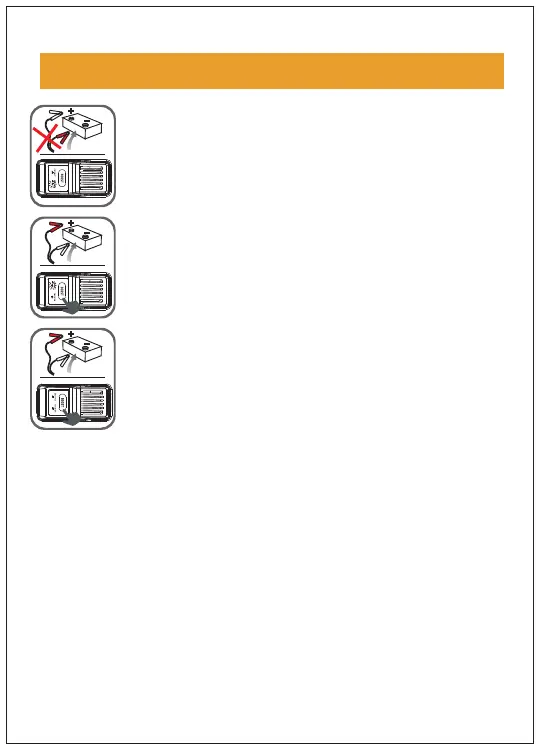
Green light flashes: indicating that the pressure
of the car battery is too low. Press the BOOST
button and finish starting within 30 seconds after
the green light is on.
indicating that
the battery
may have been damaged. Make sure that the
two poles are connected correctly, and
press
BOOST; when the green light is long on,finish
starting within 30 seconds.
Red light long on : indicating
po
that the
sitive/negative poles have been connected
wrongly. Reconnect, and don’t start again until
the green light is long on.
Charging electronic devices such as smartphones or tablets
1. Choose a proper charging plug to connect to the port of
the mobile phone adapter cable
2. Connect the USB plug of the mobile phone adapter cable
to the USB output port of the host machine
3. Connect the charging port to your phone/tablet
4. Press the switch button to start charging your electronic
device
s
OPERATION GUIDANCE
No red or green light:


 To Next Page