PAGE 10
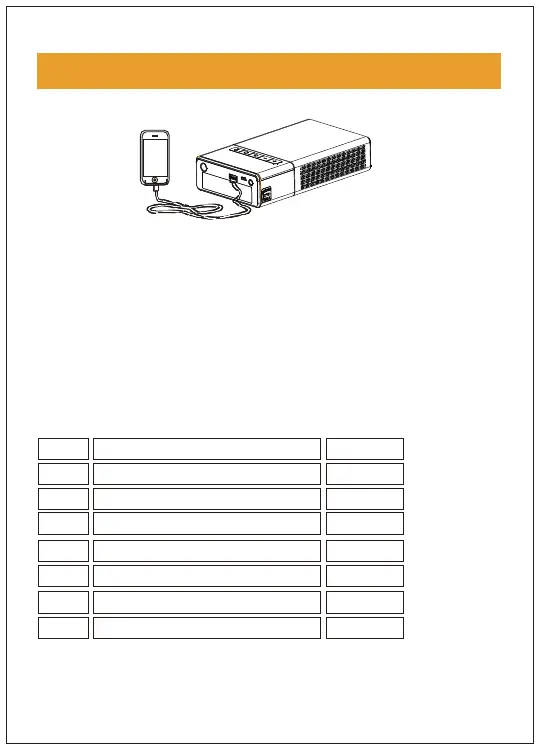
Powering 12 V electronic/on-board devices
Switch LED light modes
1. Insert the adaptor end of the adaptor cable to the 15V
output port of the host machine
2. Connect the 12V device to be charged to the other end
of the adaptor cable
3. Tap the switch button to start charging the on-board
products
OPERATION GUIDANCE
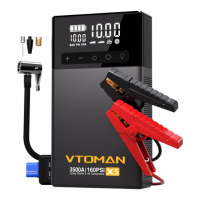
No. Name of the accessory
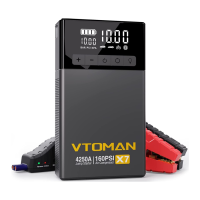
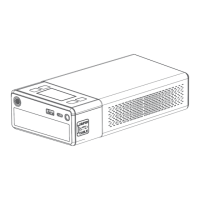
Host machine
Inflating pump
Smartphone adapter cable
Intelligent battery clip
User manual
Multifunctional air cock
Quantity
1
2
3
4
5
6
1
1
1
1
1
3
7 1
Carrying Bag


 To Next Page