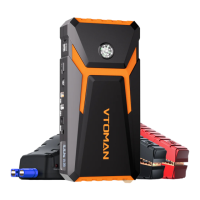
2. Short press the lighting button to turn on the LED light,
and the white light will remain on. Press the switch button
again, and the LED will enter the red flashing mode. Press
again to turn off the light.
3. After the load is removed, the product automatically enters
the dormant mode 30 seconds later.
PAGE 5
BUTTONS AND DISPLAY SCREEN
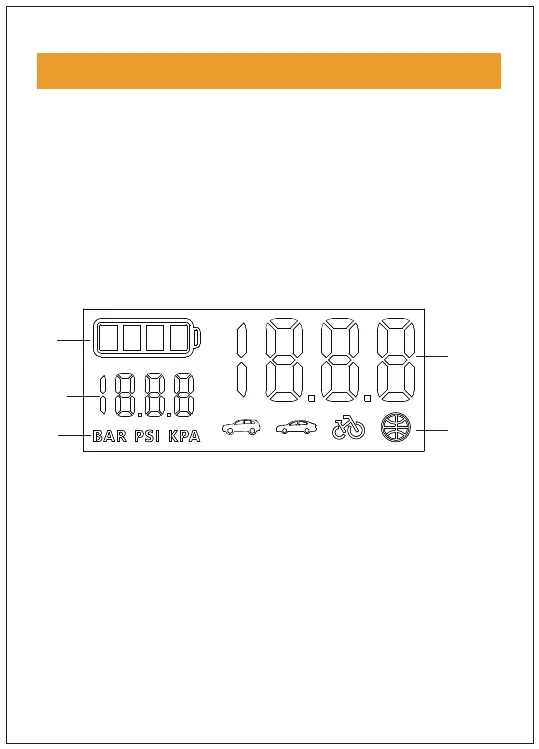
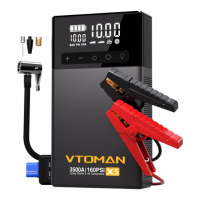
1. Long press the switch button for 2 seconds so that the
starter displays information on the electrical configuration
(1), preset tire pressure value (2), static air pressure value (3),
BAR, PSI & KPA (4), or icons of cars, SUVs, basketballs, bicycles
or other inflatable items (5), The electric quantity will be
displayed on the bar (see the illustration on the right), and
the charger will enter the to-be-inflated mode.
3
5
4
2
1


 To Next Page