Online Video
Vu Android TV with Built in Octa core graphics allow you to enjoy online video streaming with ease of using wifi or ethernet connectivity.
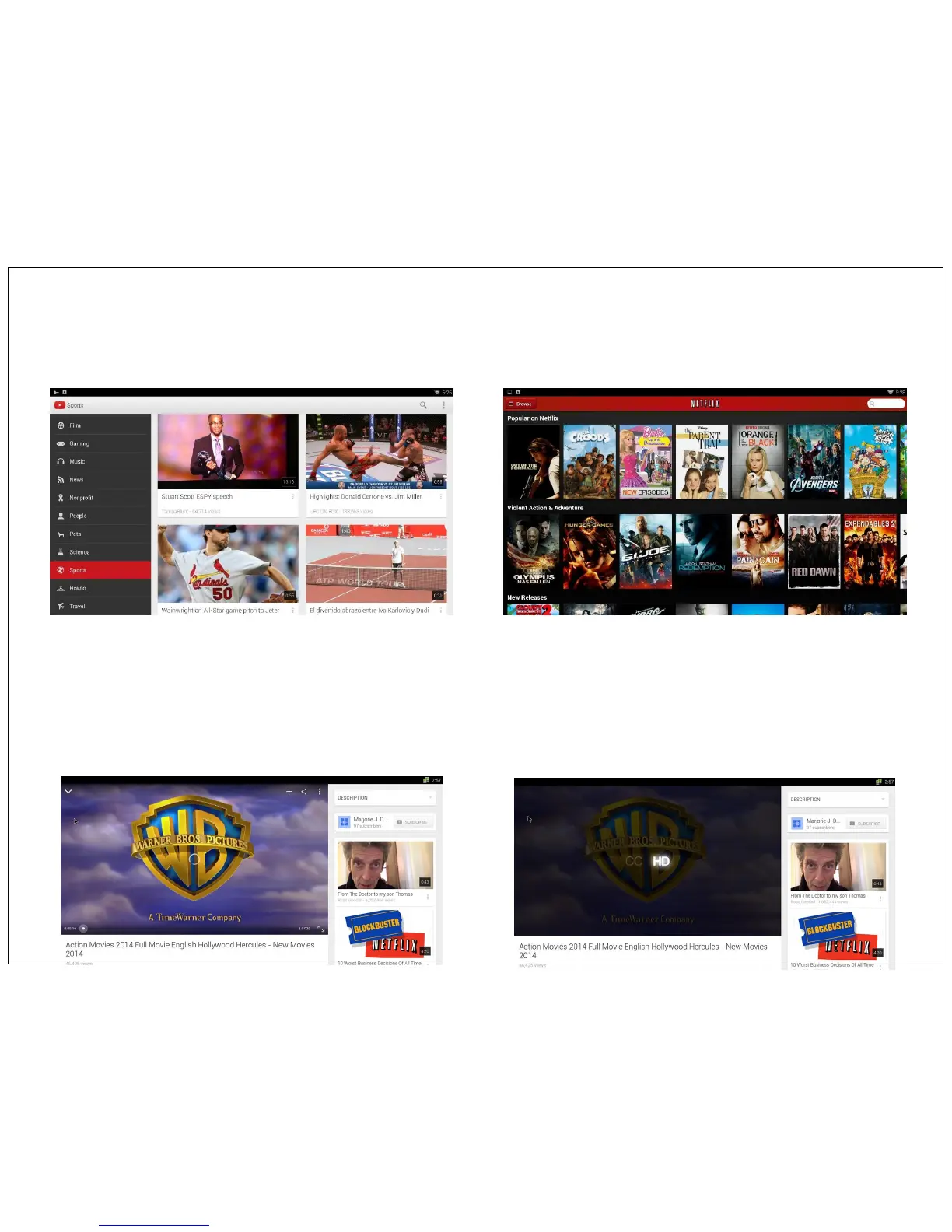
You can enjoy online video with preloaded apps like Youtube, Netflix, Hulu etc. If you want more apps to watch online video, you can download from Play
store.
Note : Before playing any online video, please make sure you have connected Vu Android TV to Wifi or Ethernet network. Please refer Page no 25 how to
connect Vu TV to network.
Your Network speed should be good enough to play streaming video. We recommended minimum network speed should be 800kbps for SD video.
If you find video is not playing smoothly you can downgrade the video quality from HD as shown in below image.
Click on three dot icon at right top side of video and click on HD icon to downgrade video quality for smooth streaming. To go back to HD quality again
press on same HD icon.
YouTube Netflix
13


 To Next Page