7.2 Motion Detection
Motion detection means that an alarm is triggered when an image in a specified area
was changed.
Operation Description
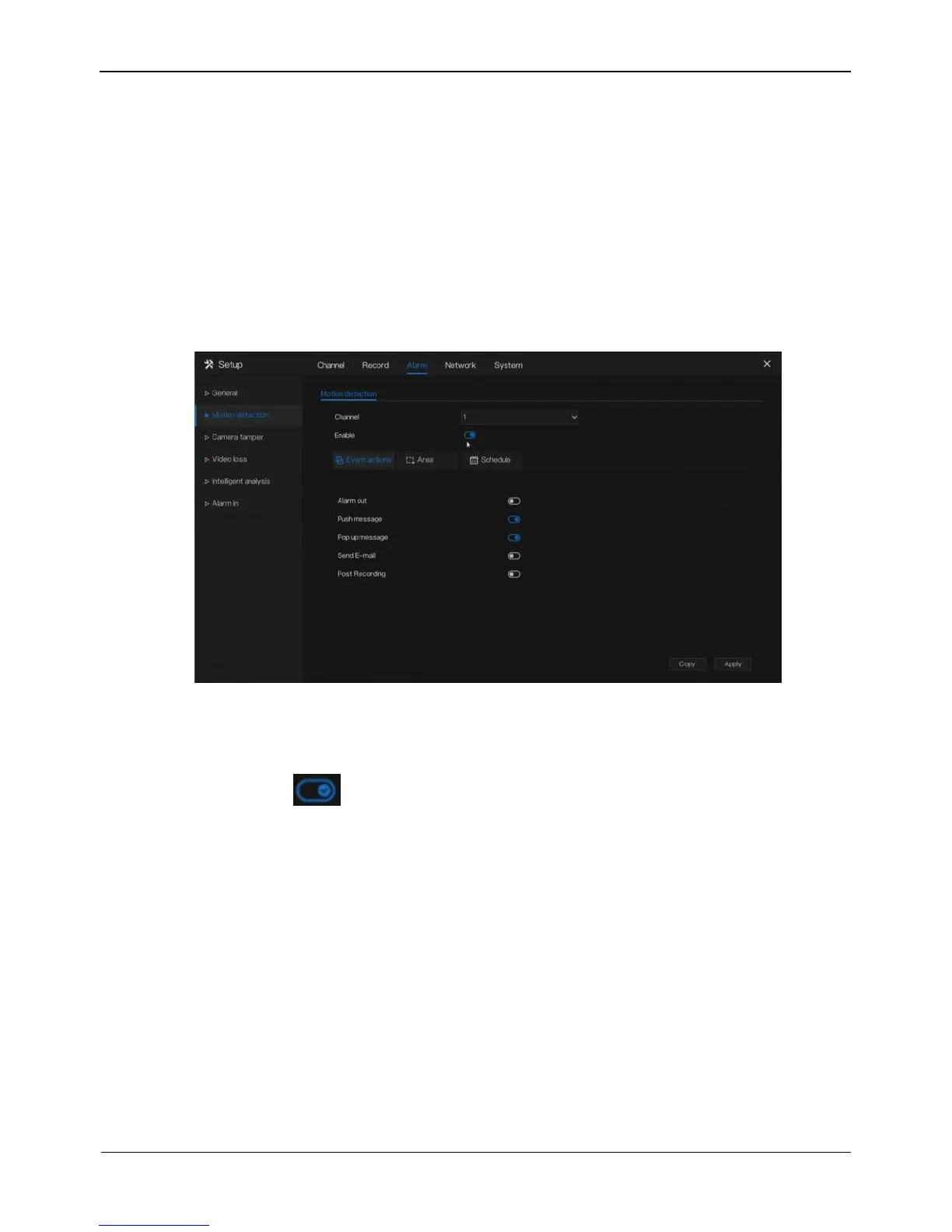
Click Motion Detection in the main menu or menu of the alarm management screen
and choose Motion Detection to access the Motion Detection screen, as shown in
Figure 7-2.
Figure 7-2 Motion detection screen
Operation Steps
Step 1 Select a channel from the drop-down list of channel.
Step 2 Click to enable motion detection.
Step 3 Enable the Event actions include: buzzer, alarm out, push message, pop up
message, send E-mail and post recording.
Step 4 Click Area page to access the motion detection area setting, as shown in Figure
7-23
.



 To Next Page