9 System Setting
View the device information and set general information, user, password, display, logs
and maintenance for the system setting.
Operation Description
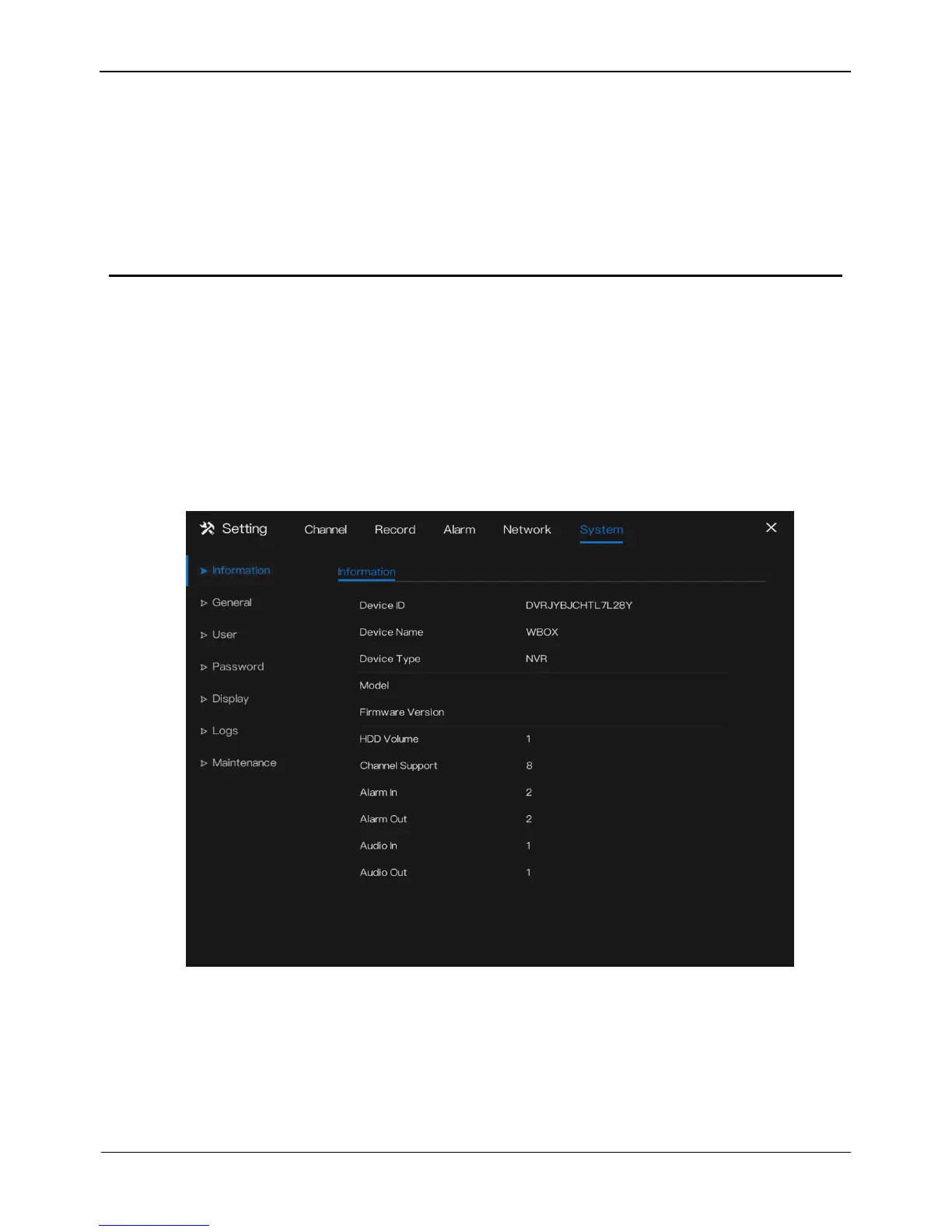
Click System in the main menu (or click the system page of any function screen in the
main menu) to access the system setting screen, as shown in Figure 9-1.
Figure 9-1 System setting screen
9.1 Information
View the device ID, device name, device type, model, firmware version, HDD volume,
channel support, alarm in, and alarm out, audio in, audio out in information screen, as
shown in Figure 9-1.
0E-8CHNVR2TB
v4.2.0803.0000.157.2.58.0.0



 To Next Page