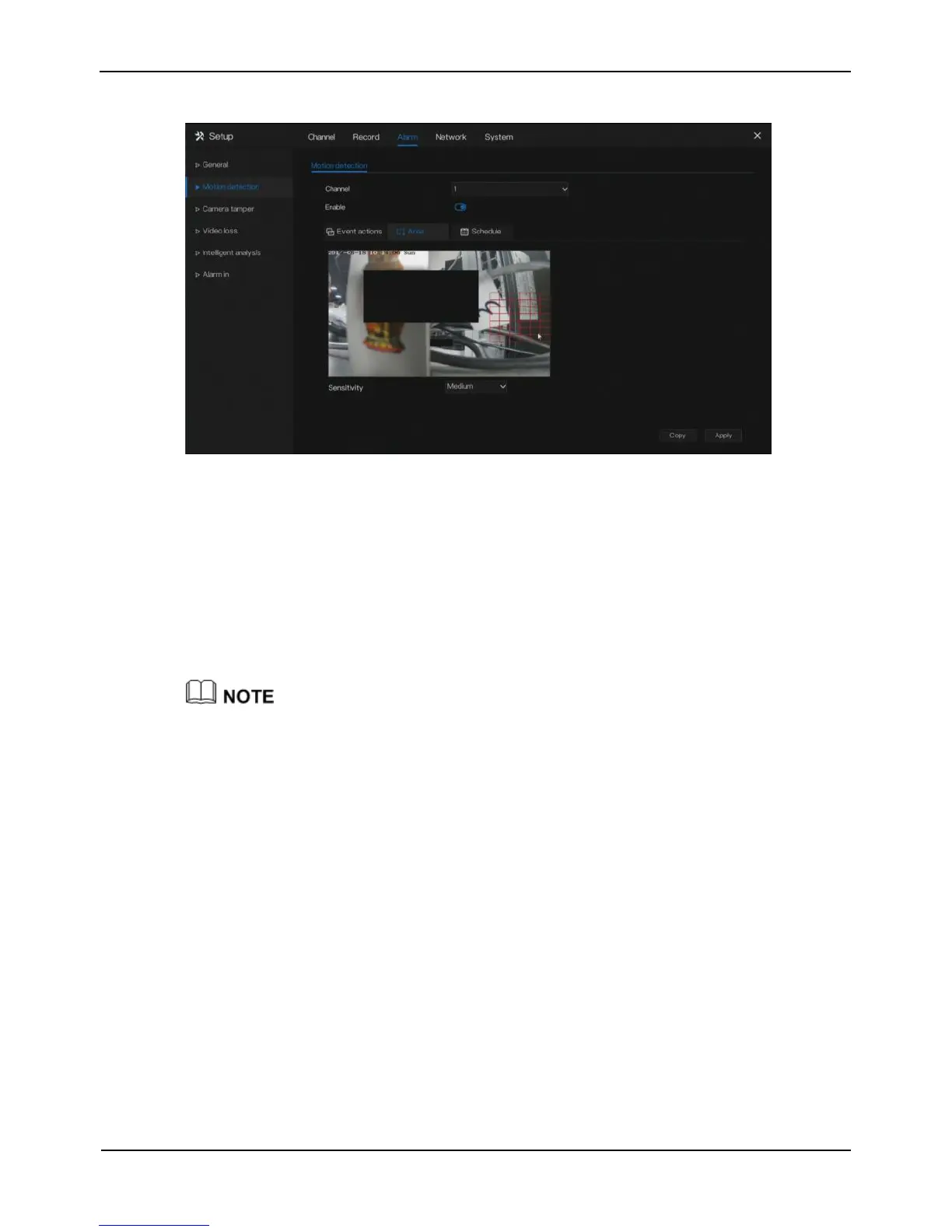
Figure 7-3 Motion detection area setting screen
1. Hold down and drag the left mouse button to draw a motion detection area.
2. Select a value from the drop-down list next to Sensitivity.
Step 5 Click Schedule page to access the schedule screen.
For details, please see 6.1 Record Schedule Step 4 Set the record schedule.
Step 6 Click Copy and select channels, then click OK to apply the motion detection
settings to cameras in selected channels, click Apply to save motion detection
alarm settings.
After a motion detection area is selected, double-click it to delete the selected area.
----End
7.3 Camera Tamper
Camera tamper means that an alarm is triggered when the image was tampered.



 To Next Page