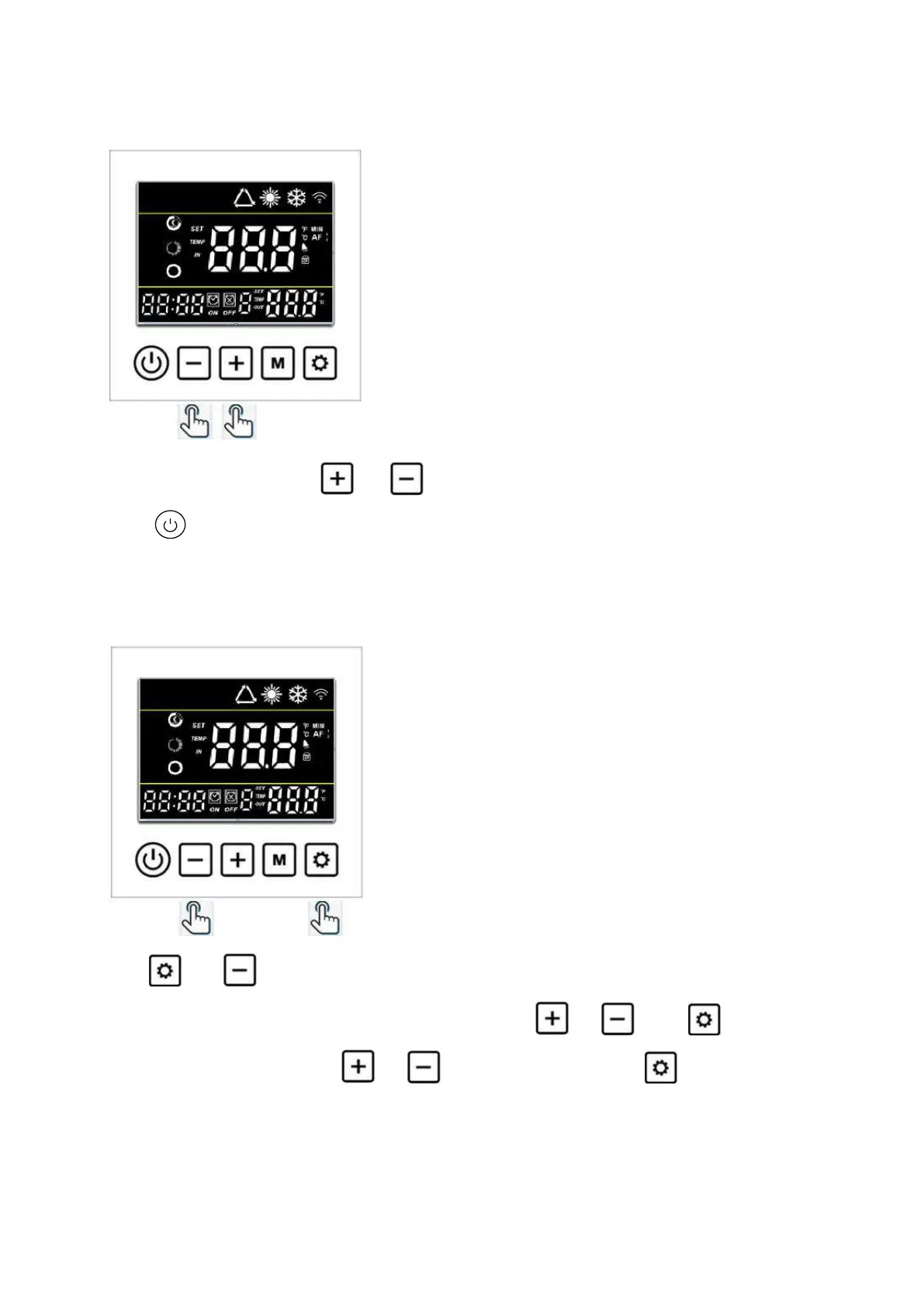
6.4 Set the required temp.
On the main interface, press or to adjust the required water temp. Of your pool, then
press to save the setting.
Or you can adjust the Parameters P01/P02 to set the required water temp.
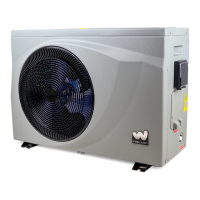
6.5 Clock setting
Hold and for 3 seconds to enter Clock setting interface.
Clock display on left bottom flashes. Change the Hours using or , press to save the
Hours, the Minute flashes, press or to adjust the Minute. Press to save the data.
6.6 Timer setting


 To Next Page