Contents Index
Contents
13
Index
13
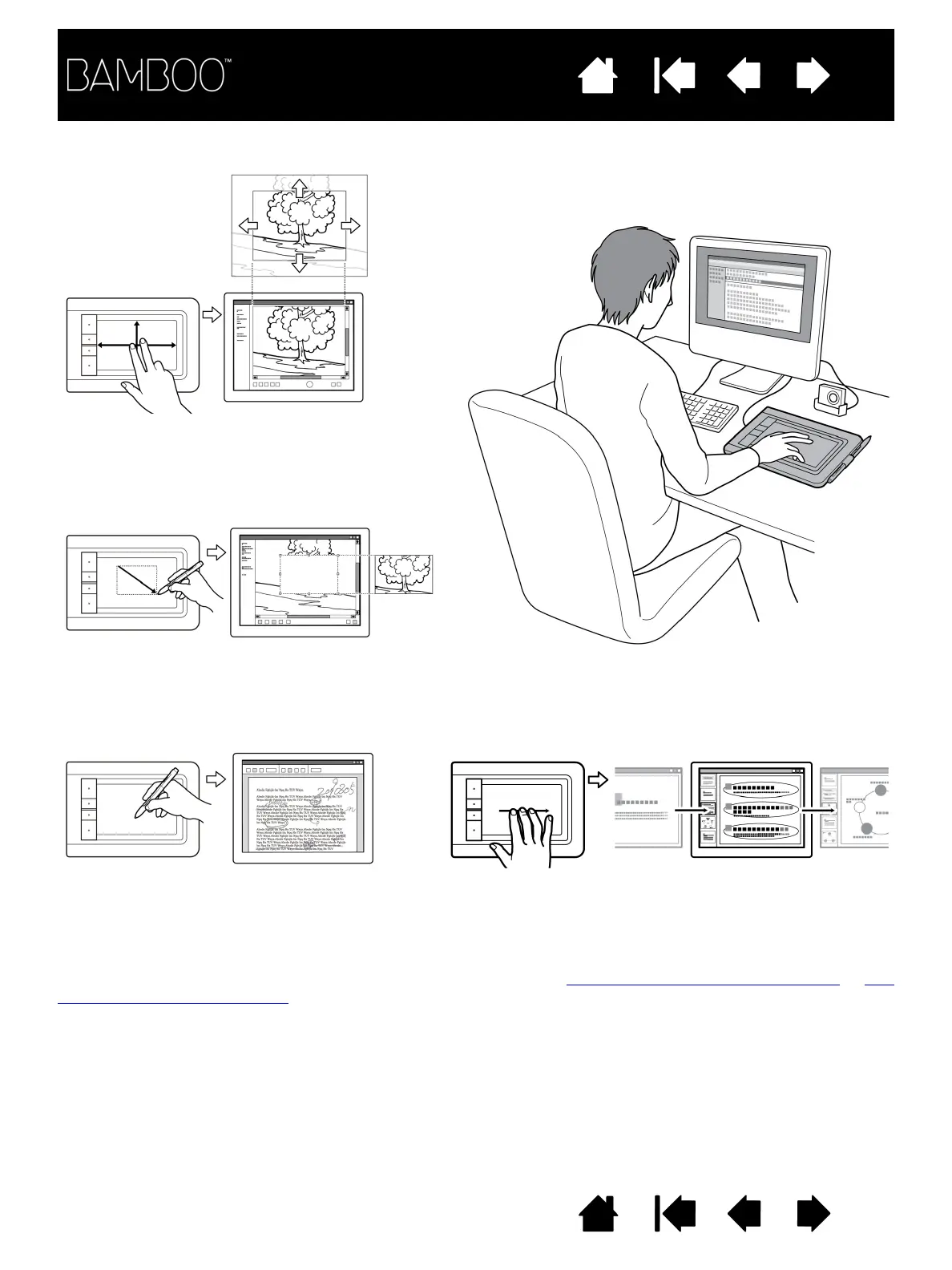
As you work, you will discover many ways of interacting with your Bamboo tablet. For example:
For details on these and other ways to work with your tablet, see the touch experience with Bamboo
or the
pen experience with Bamboo.
Annotation
Simplify document reviews by using the
pen (when equipped) to digitally mark-up
and annotate documents.
Presentation
Swipe three fingers across the tablet surface to quickly
move between slides in a presentation.
Photo editing
Use the pressure-sensitive pen (when equipped)
to edit images within a photo or image editing
application.
Visual browsing
Use two fingers on the tablet surface to
scroll through and navigate visual media
within an application.















 To Next Page