Contents Index
Contents
52
Index
52
BUTTON FUNCTIONS
FUNCTION DESCRIPTION
C
LICKS
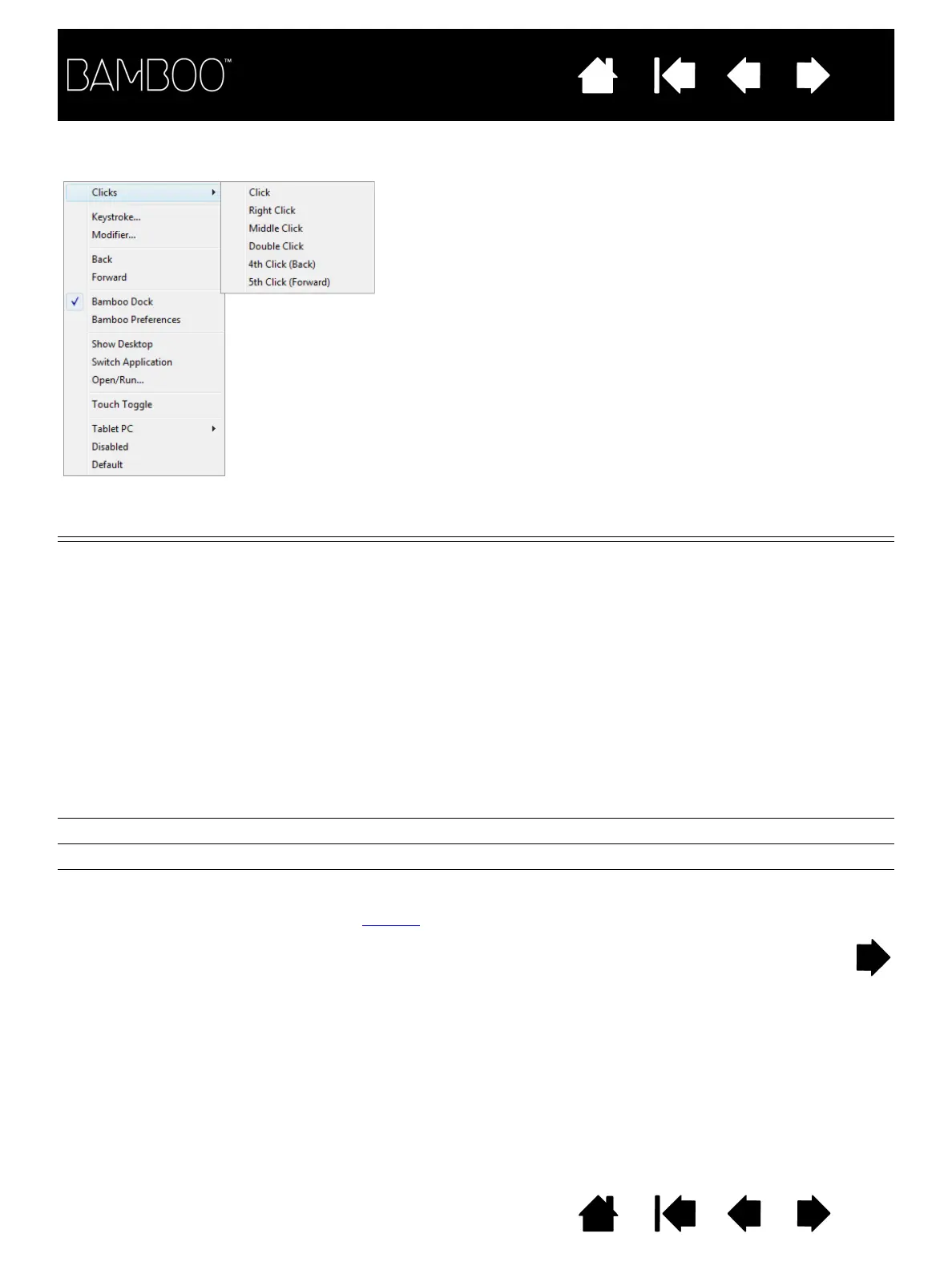
•CLICK Simulates a primary mouse button click. Default setting for the pen tip.
•R
IGHT CLICK Simulates a right mouse button click, which displays a context menu.
•M
IDDLE CLICK Simulates a middle mouse button click.
•D
OUBLE CLICK Simulates a double-click. For easier double-clicking, use this function
instead of tapping twice with the pen tip.
•C
LICK LOCK Simulates holding down the primary mouse button. Press the tool
button once to initiate click lock. Press the button again to release
click lock. Click lock is useful for dragging objects or selecting blocks
of text.
•4
TH CLICK Simulates a 4th mouse button click.
•5
TH CLICK Simulates a 5th mouse button click.
B
ACK Simulates the BACK command in browser applications.
F
ORWARD Simulates the FORWARD command in browser applications.
E
RASE Pen only. Sets a button so that when the button is pressed, the pen tip
will act like the eraser in applications that support the E
RASE function.
See erasing
for information on using the eraser.
The following control panel drop-down menu options are
available for ExpressKey and pen button settings. Not all
options are available for all controls.















 To Next Page