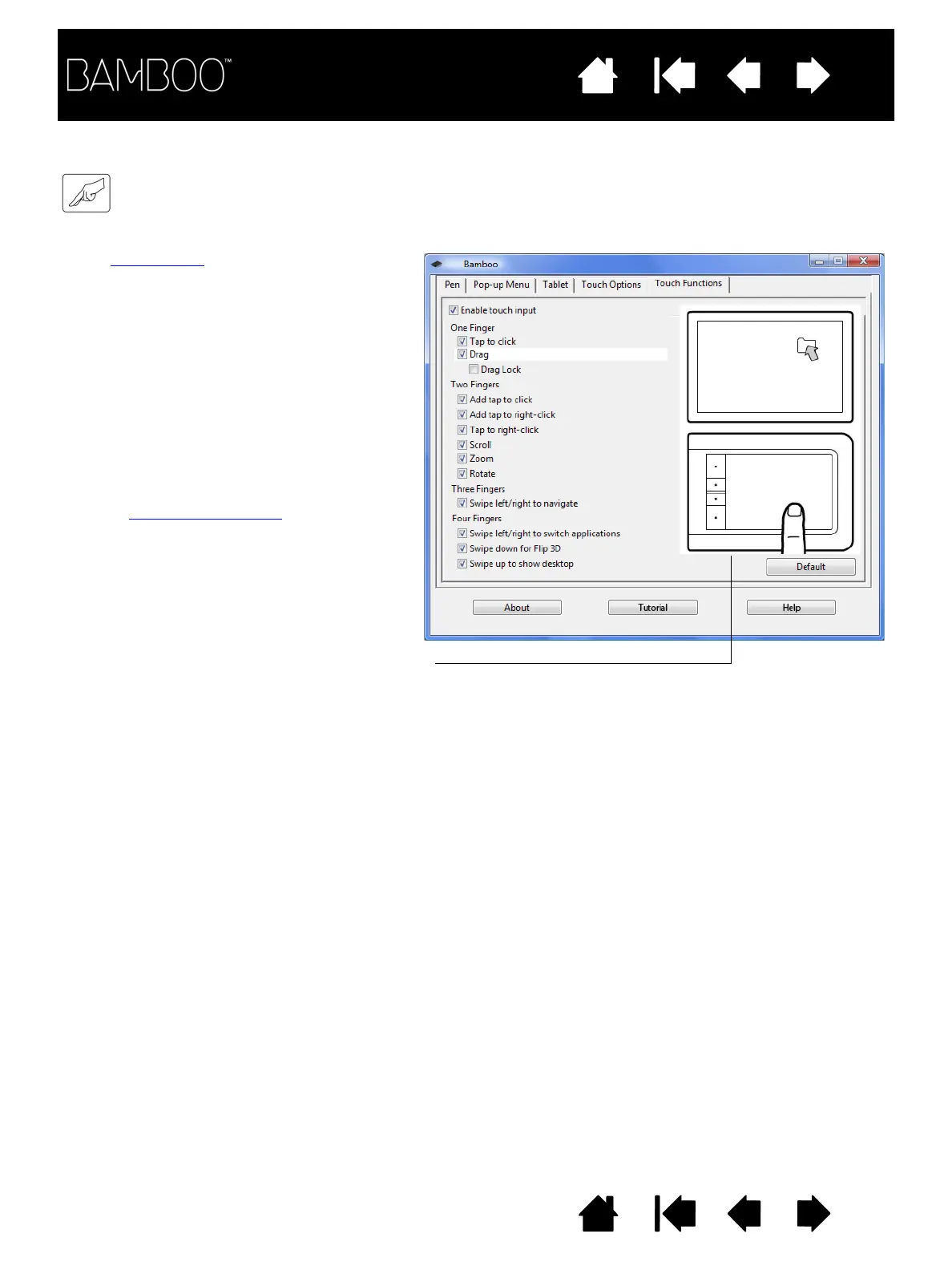
Touch input options can be enabled or
disabled and are dependent upon
application support.
Change the settings to customize how
touch input works. Touch actions and
gestures are available when selected.
So that you may work in different ways,
some functions (such as a right-click)
can be performed using different
actions or gestures.
See also navigating with touch
.
Position the screen cursor over an option to see an
animated demonstration of that function.
If you do not choose a specific option to view, then the
control panel animation will demonstrate each option
sequentially, from top to bottom.















 To Next Page