Touch input
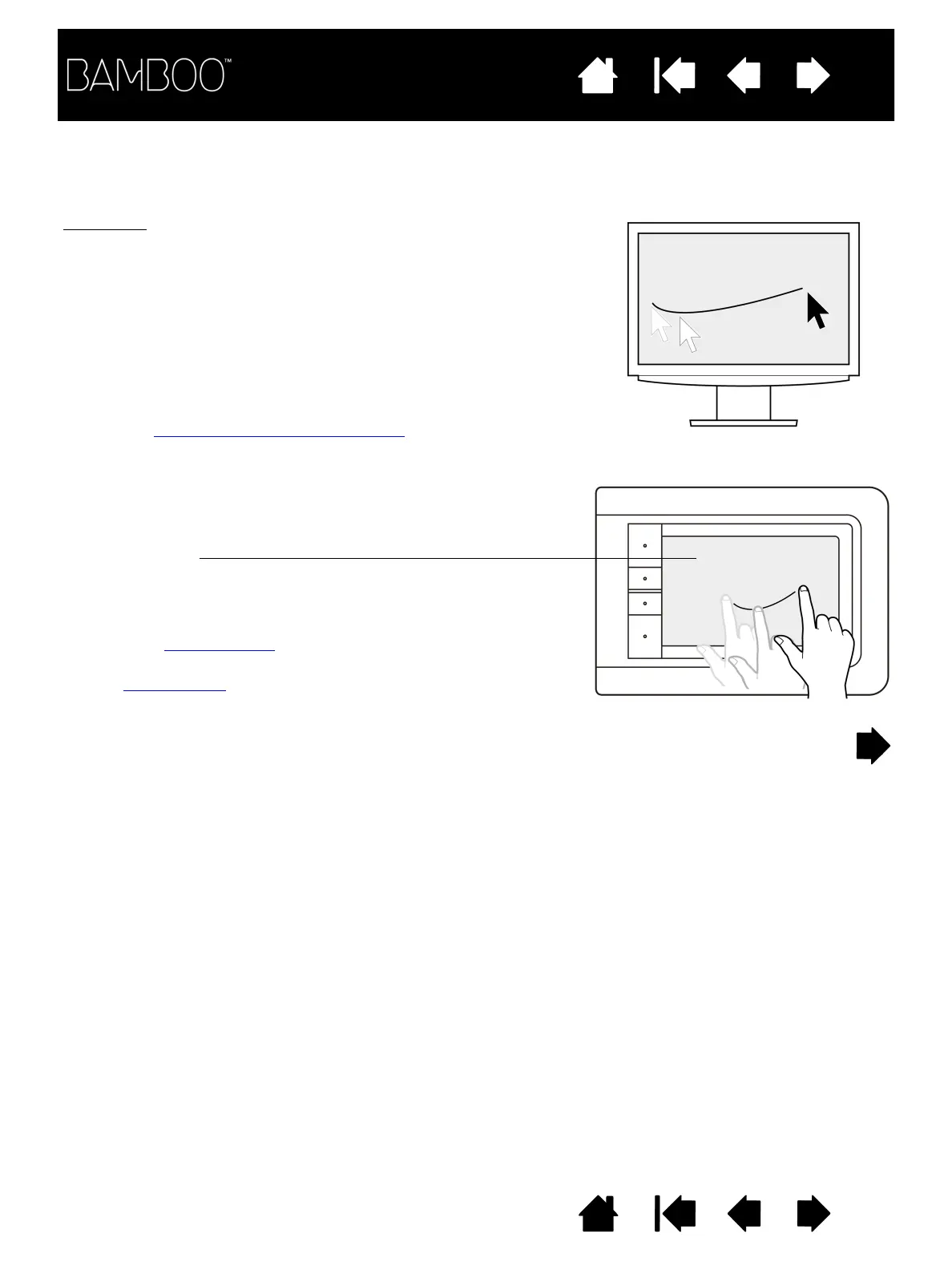
On touch-sensitive tablet models, slide your finger across the active
area to position the screen pointer.
Use single- or two-finger input for clicking and other mouse operations.
Use two-finger input for gestures that control other functions, such as
scrolling and zooming.
Use three-finger input to move between pages in most web browsers
and document or picture viewers.
Use four-finger input to switch between applications and perform other
desktop functions.
Learn about the touch experience with Bamboo
.
Tablet active area
The area of your Bamboo tablet that senses touch or pen input.
For tablet models that support both pen and touch input:
• Touch input is disengaged whenever the pen tip or eraser is within
the tablet proximity range
. Lift the pen and your hand away from
the tablet active area to re-enable touch input.
•The pen input area
is slightly larger than the touch sensor area.















 To Next Page