Contents Index
Contents
31
Index
31
You can set the pen to position the screen cursor two different ways (see setting the tablet mapping
).
•In P
EN MODE, wherever you place the pen on the tablet, the screen cursor will jump to a corresponding
point on the display screen. The screen pointer indicates pen position, and follows the movement of
the pen across the tablet surface. This is the default setting for the pen.
•In M
OUSE MODE you move the cursor with a “pick up and slide” motion similar to using a mouse.
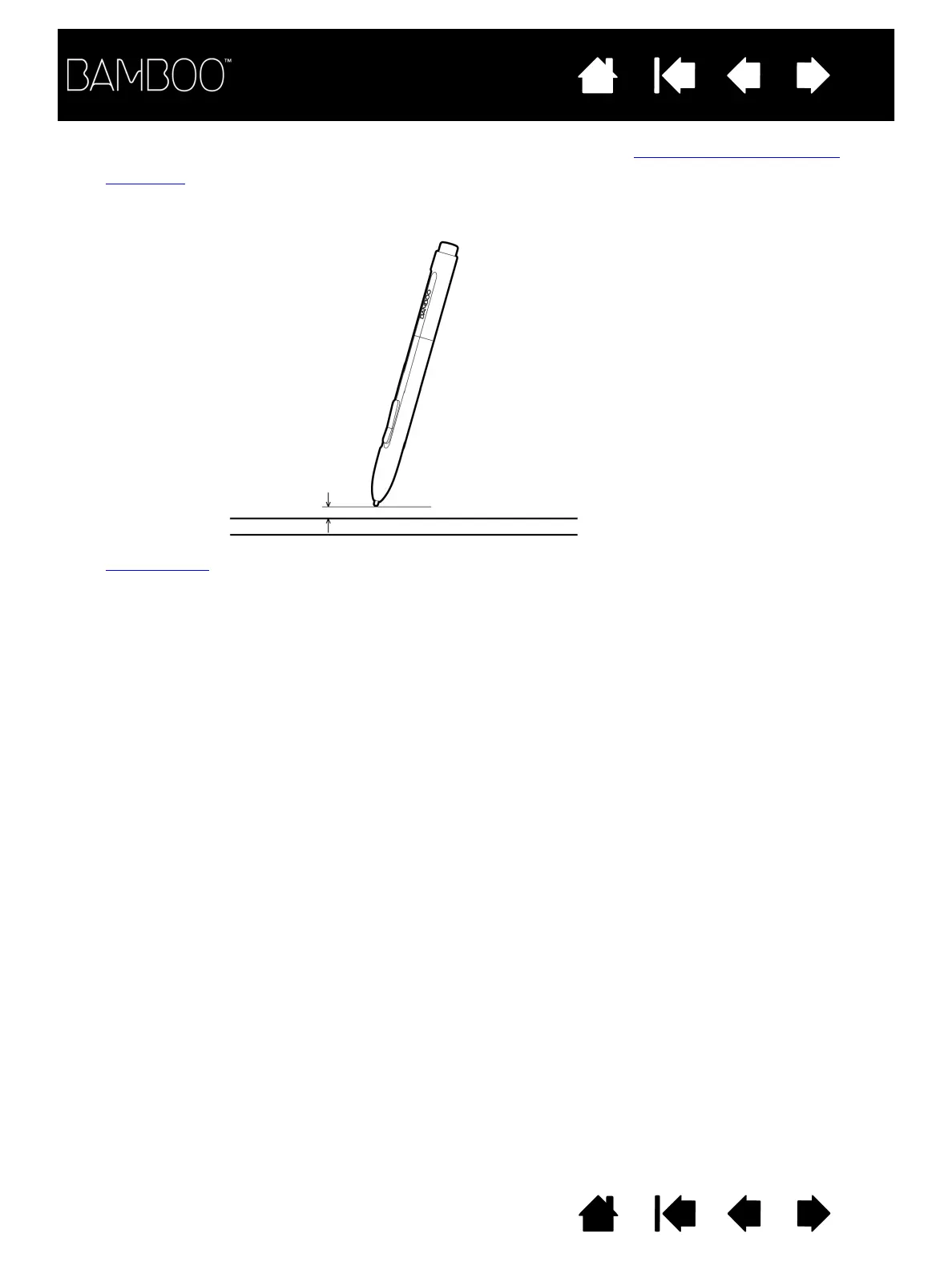
7 mm (0.28 inch) proximity
16 mm (0.63 inch) proximity range
When positioning the screen cursor and operating a pen
button, the pen tip needs to be within 7 mm (0.28 inch)
of the tablet surface. The pen tip does not need to
touch the tablet in order to move the screen cursor or
use a pen button.















 To Next Page